01YOUR BENCHMARK
Vertical jump
Measure jump height with countermovement, squat, and arm-swing tests.
Height · flight time
JUMP TESTING. ONE IPHONE.
Measure jump height. See the movement behind it. Build a clearer picture of your progress, one session at a time.
Your first countermovement session is free.
No account. No extra equipment.
01 / START SIMPLE
A bench or tripod. A clear landing area. A few minutes to find your starting point.
Camera setup guidePlace your iPhone on a stable support. Keep your whole body, both shoes, and landing area in view.
Follow the framing guidance and let the camera calibrate. Jump when you’re ready. TrackJump detects each rep automatically.
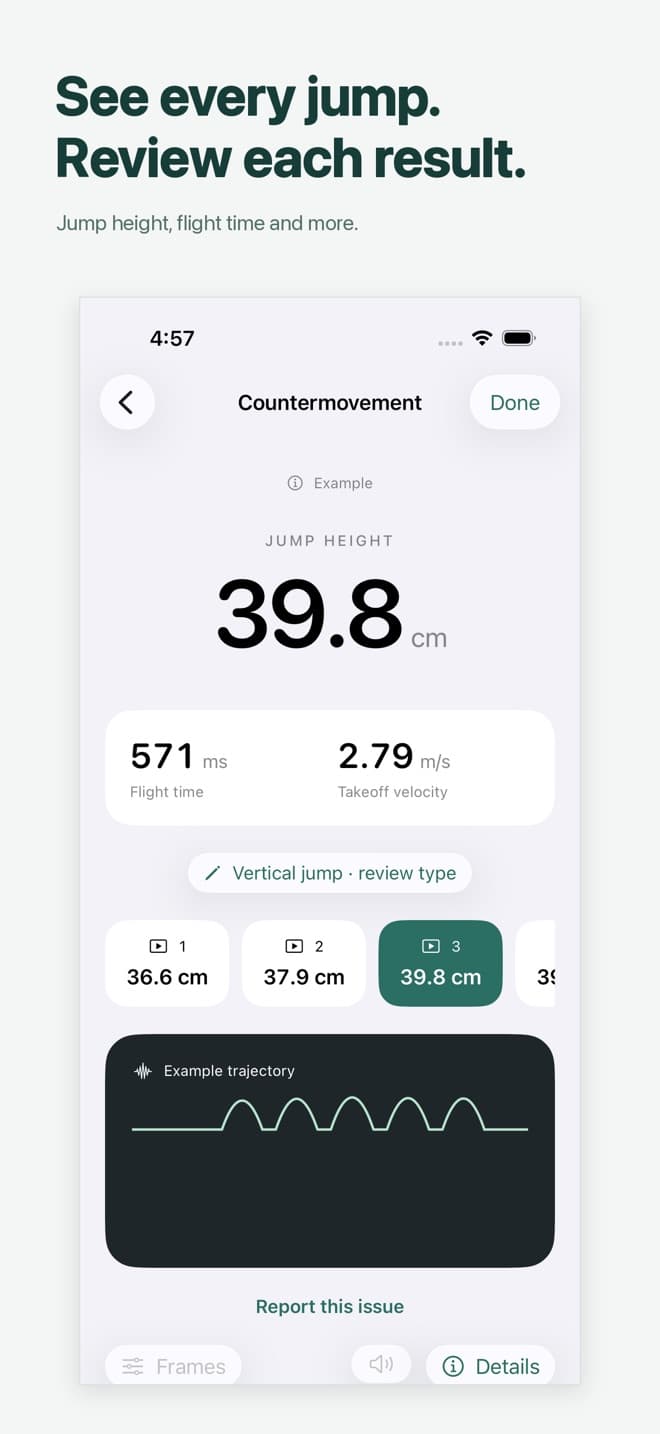
Review your results alongside each clip. Save a benchmark and come back to see how you progress.
02 / TEST WITH PURPOSE
Choose the test that fits your session. Keep the protocol consistent when you compare results.
Measure jump height with countermovement, squat, and arm-swing tests.
Review drop jumps and repeated rebounds, with the contact before each takeoff.
Test each leg and compare like-for-like jumps. Give both sides a clear picture.
Automatic sessions suggest the jump type for each rep. You can review and correct the label afterward.
03 / UNDERSTAND THE RESULT
Explore an example result. Height, ground contact, and side-to-side differences answer different questions.
Countermovement jump
34.2cm
Your estimated jump height, with the timing behind it.
Illustrative data. Not a live measurement.Flight time
528 msTakeoff velocity
2.59 m/sCamera measurements are estimates. Framing, lighting, frame rate, and technique affect results. How measurements work
04 / KEEP THE CONTEXT
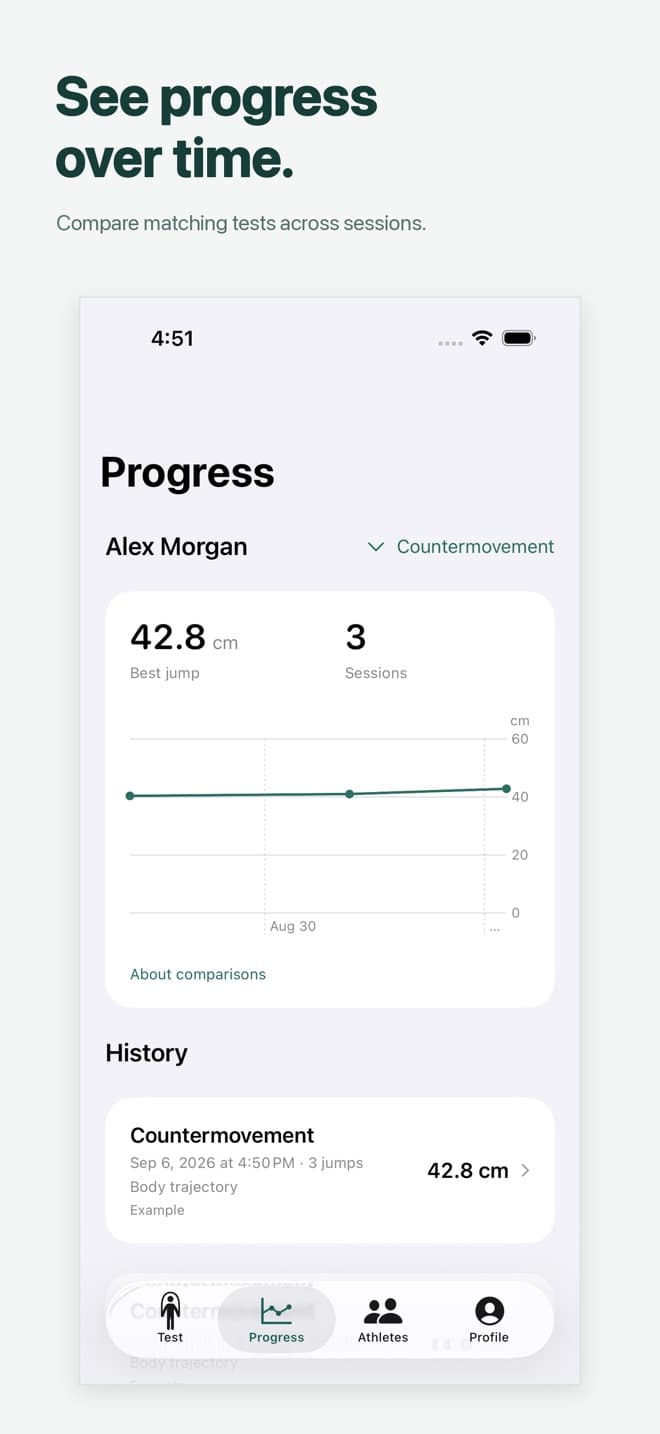
Your results belong with the movement that produced them. Keep each rep, revisit the video, and compare your next session with the same test.
Record countermovement, arm-swing, squat, drop, rebound and single-leg jumps. Review estimated jump height and flight time beside the video. Contact time and reactive strength index (RSI) appear when the recording supports them; RSI-modified is shown separately.
You need an iPhone running iOS 26 or later and a stable place to set it down, such as a bench or tripod. Keep your whole body, both shoes and the landing area visible. No wearable or dedicated jump sensor is required.
Your first countermovement jump session is free, with no account required. Further recording sessions and video import require TrackJump Pro. The app shows the local subscription price and billing period before you buy.
Camera measurements are estimates. Lighting, framing, frame rate, technique and visibility of takeoff and landing affect the result. Review the video and compare matching tests and measurement methods over time. TrackJump is not a force plate or a medical assessment.
Yes. TrackJump saves individual jump clips beside their results. Review takeoff and landing frame by frame, inspect body markers and correct event timing when needed. You can export results and replay clips to share with an athlete or coach.
YOUR NEXT SESSION STARTS HERE
One iPhone. Your first jump session. Let's see where you go.
First countermovement session free.
Further sessions and video import require Pro.
We use cookies to analyze site usage and improve your experience. Privacy Policy