SG
Built by an Olympian

TrackSpeed

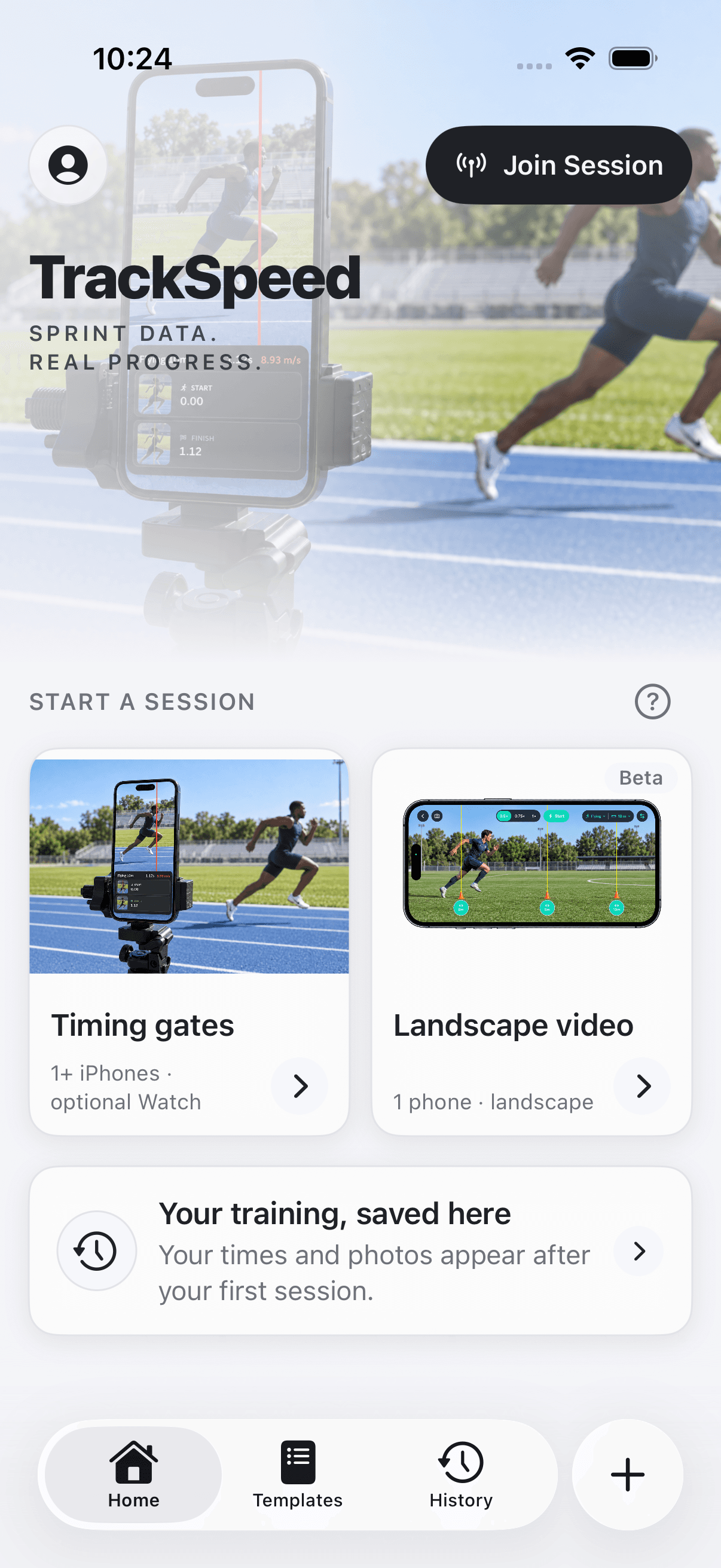
TrackSpeedAutomatic sprint timing from your phone

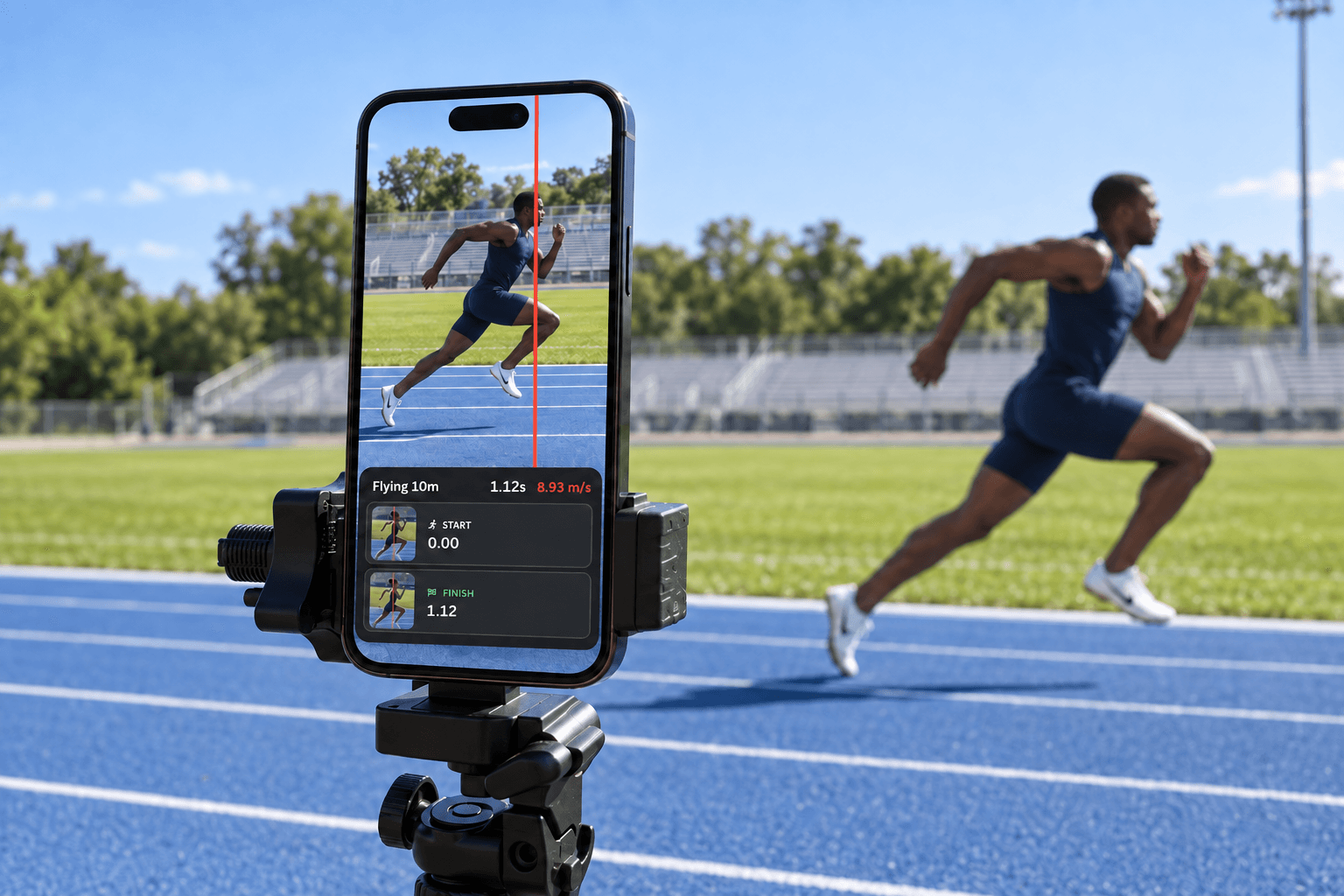
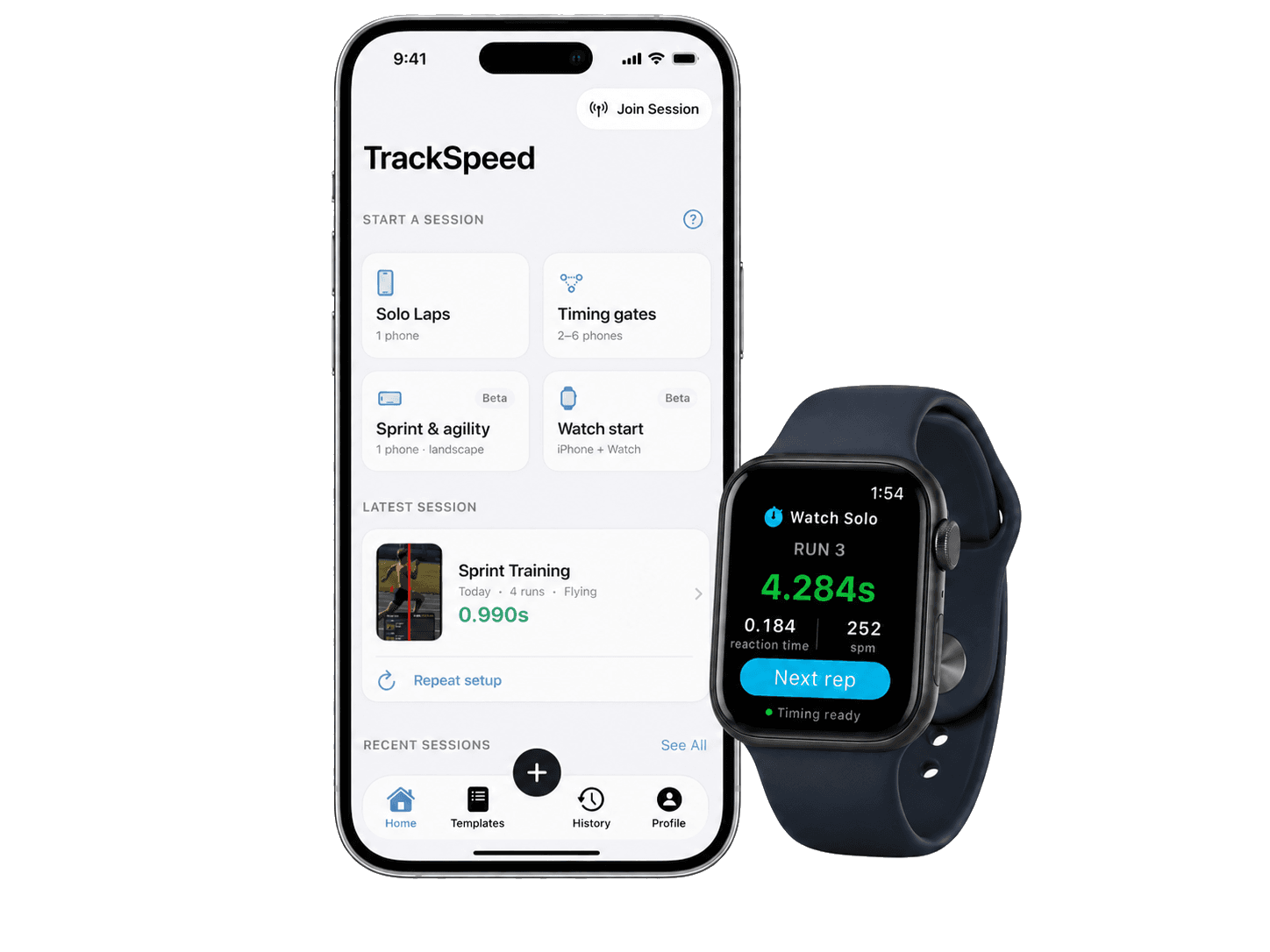
Camera-based motion detection triggers timing automatically when you cross the line. Save sessions, view history, and track improvement over time.

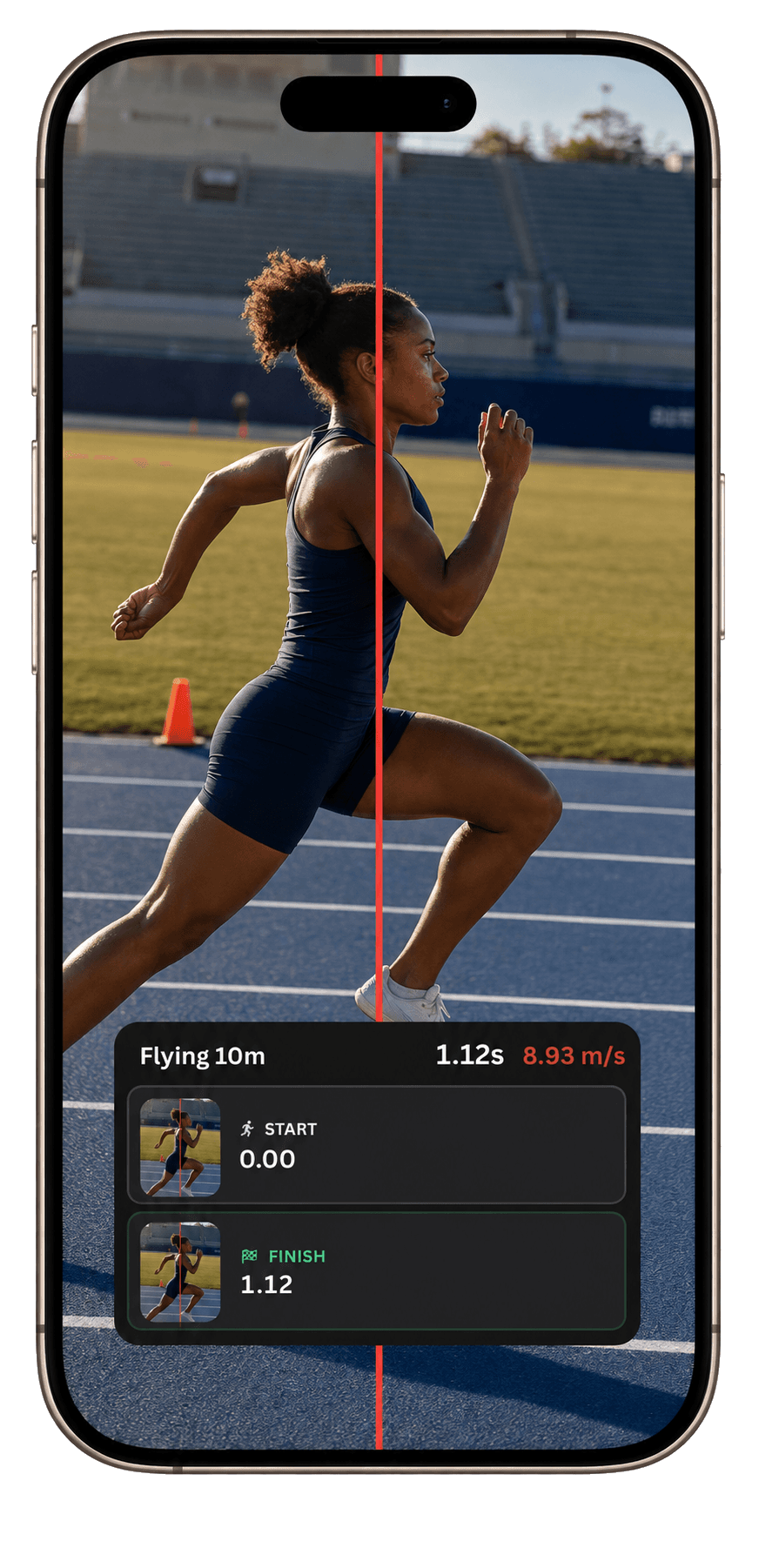
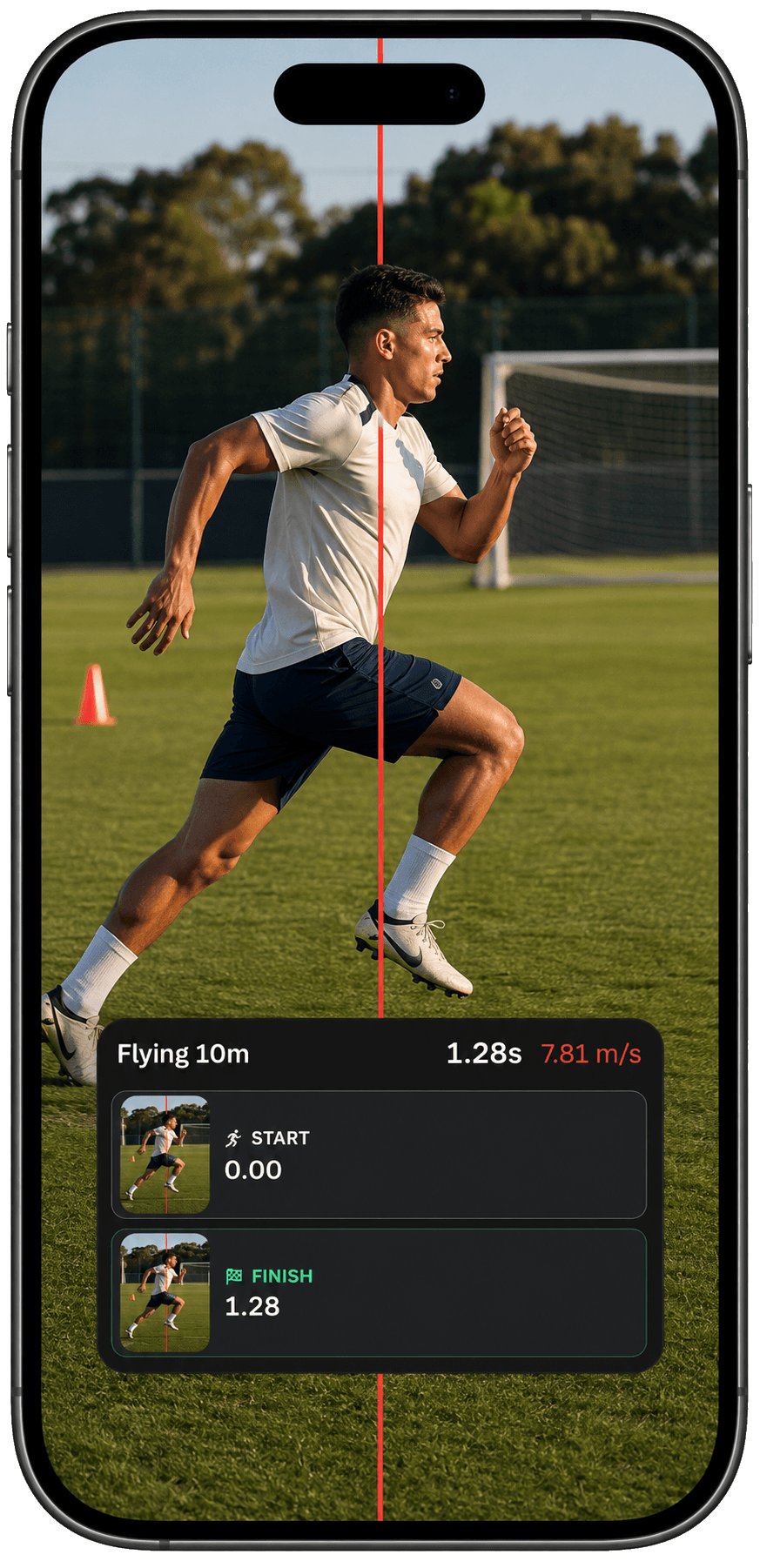
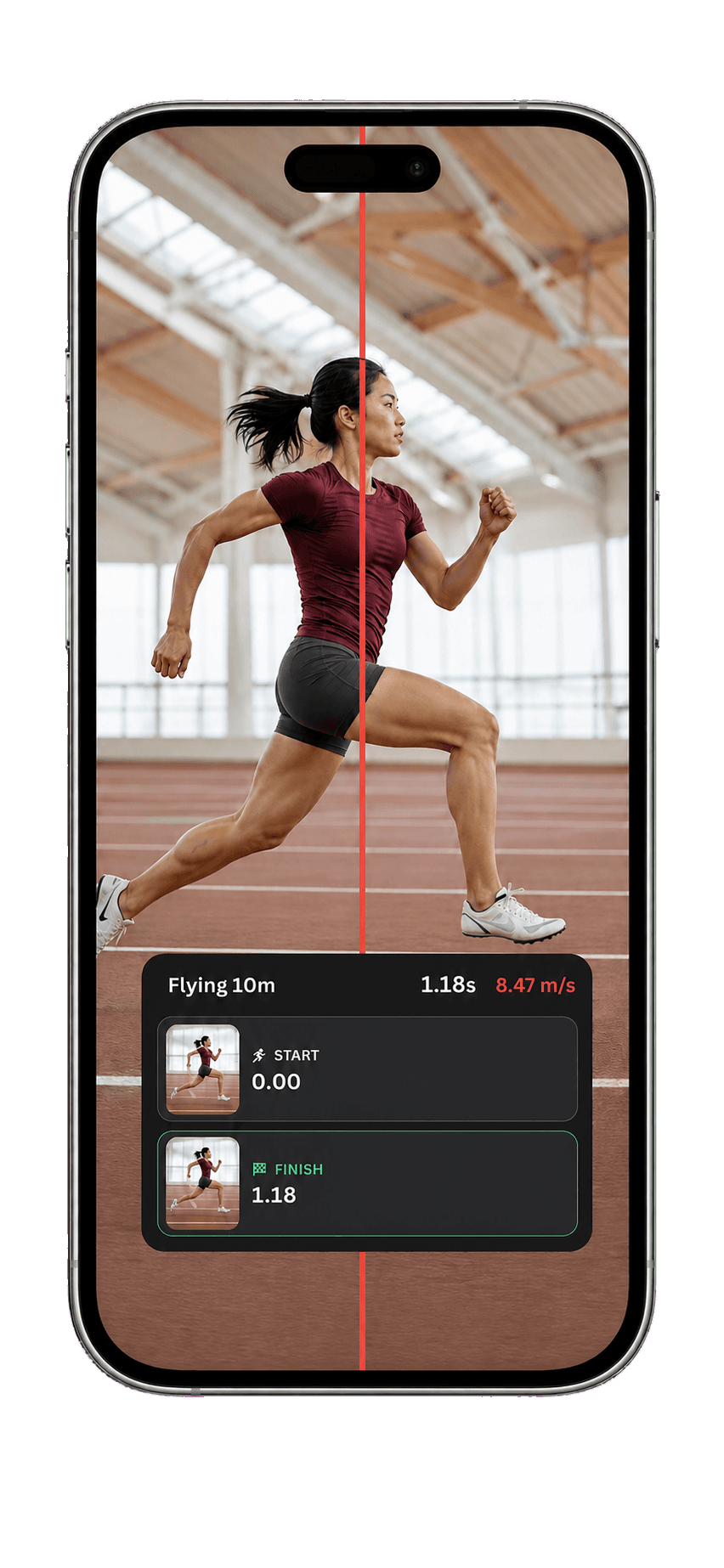
TrackSpeed sprint templates on iPhone
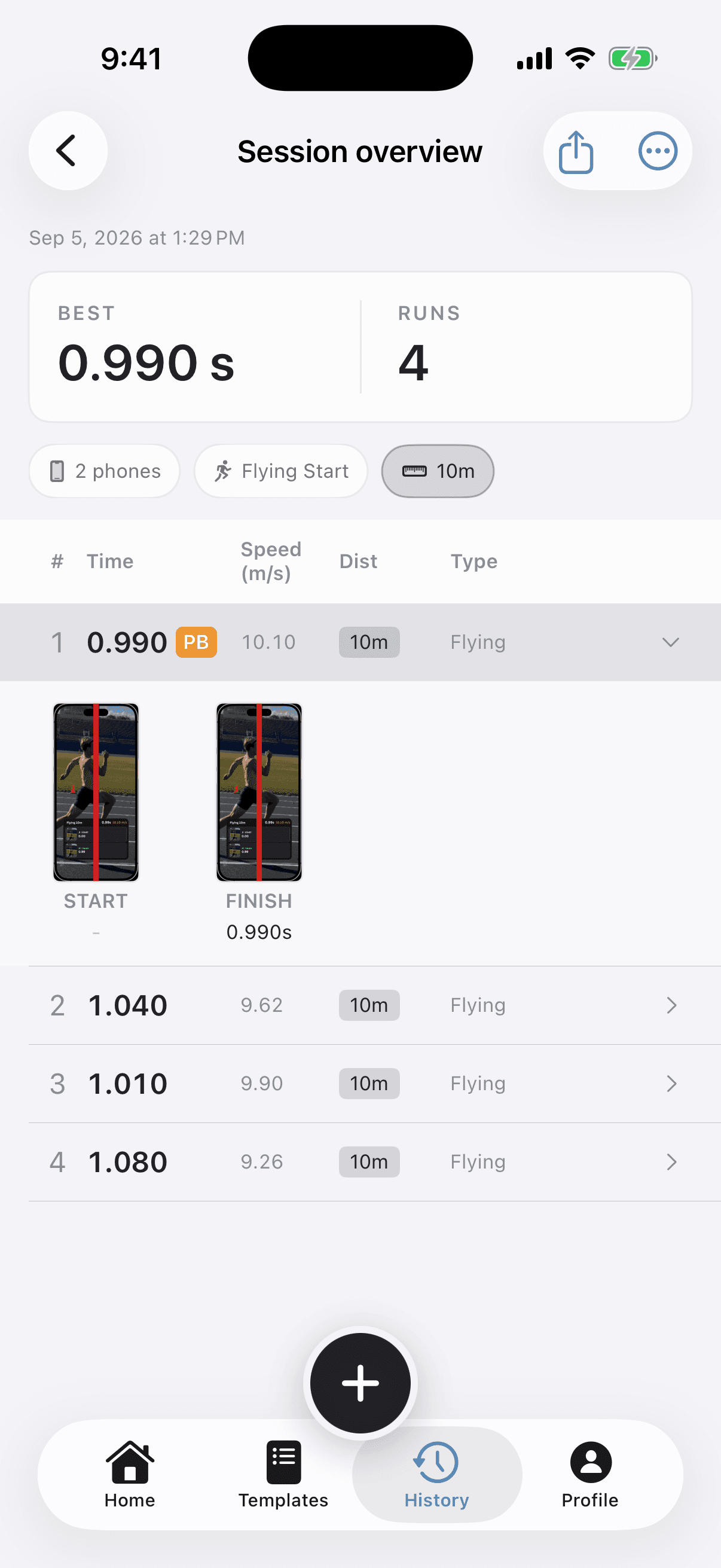
TrackSpeed photo finish sprint timing screenshot
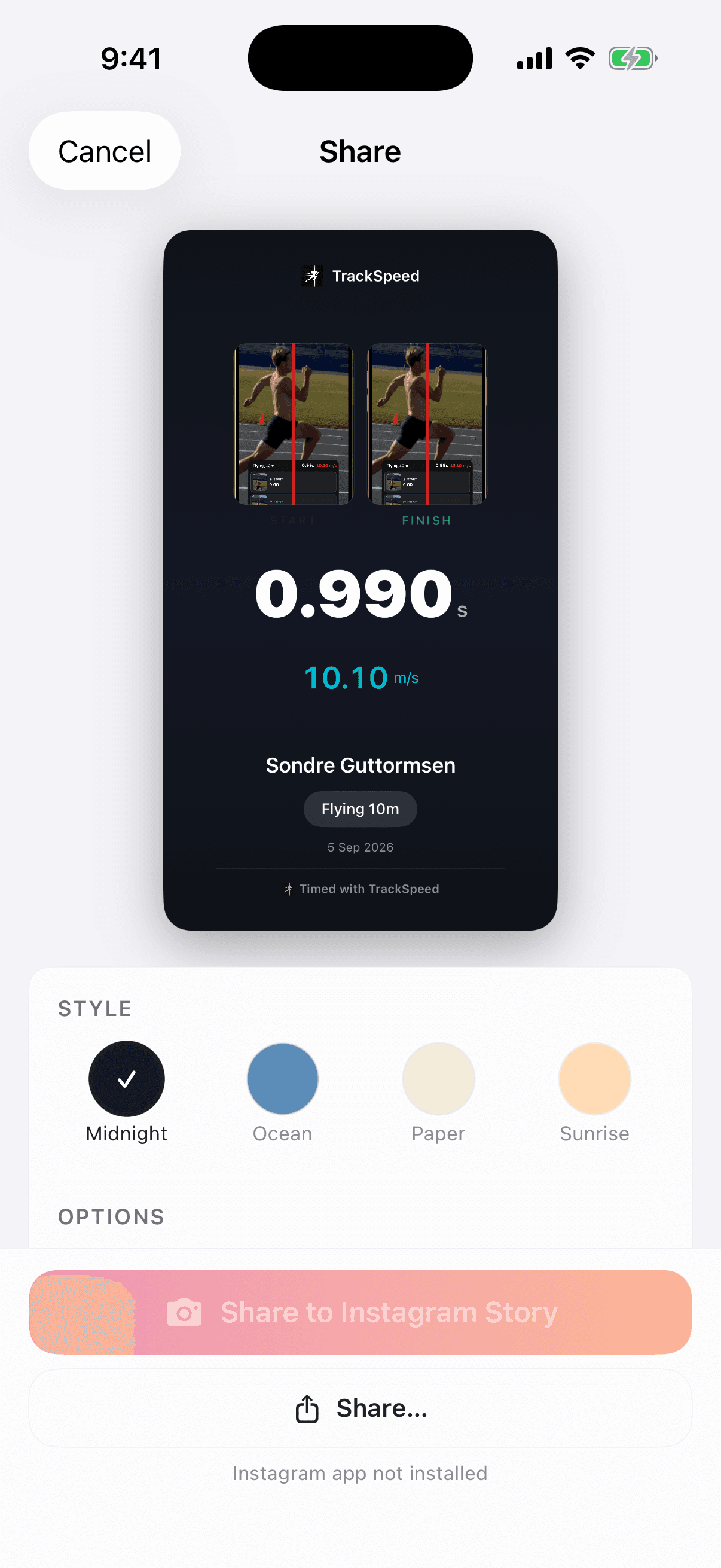
Auto-timed result
Flying 10m
photo-finish verified
0.99s
10.10 m/s

Race-day setup

How it works

Get started in under a minute. Connect phones, choose the start, position the gate, and run.

Step 1
Connect phones join phone
Connect phones

Connect phones

Pair your phones together. They sync automatically over Wi-Fi.

Step 2
Start your session

Start your session

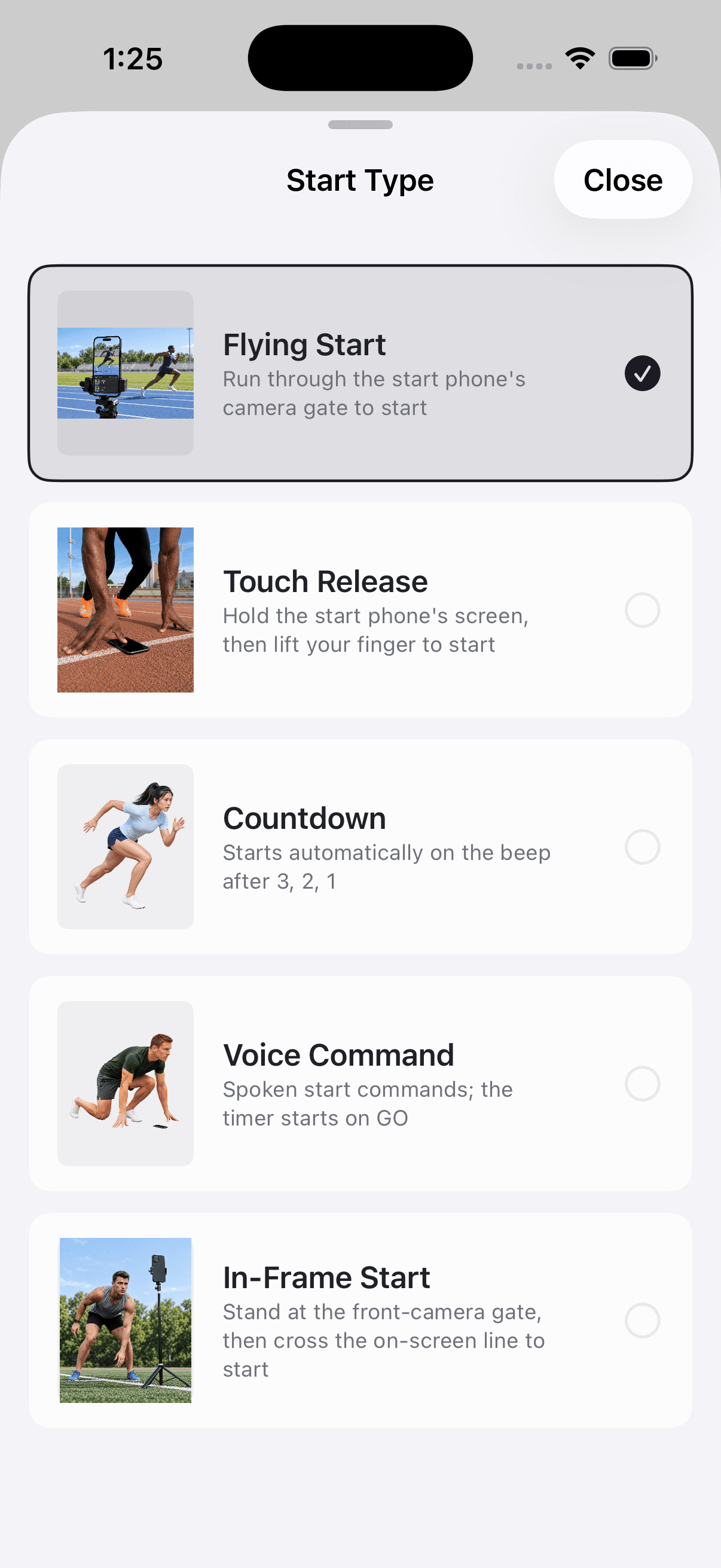
Choose from five start methods—flying start, touch release, countdown, voice commands, or start in frame.

Step 3
Position your phone

Position your phone

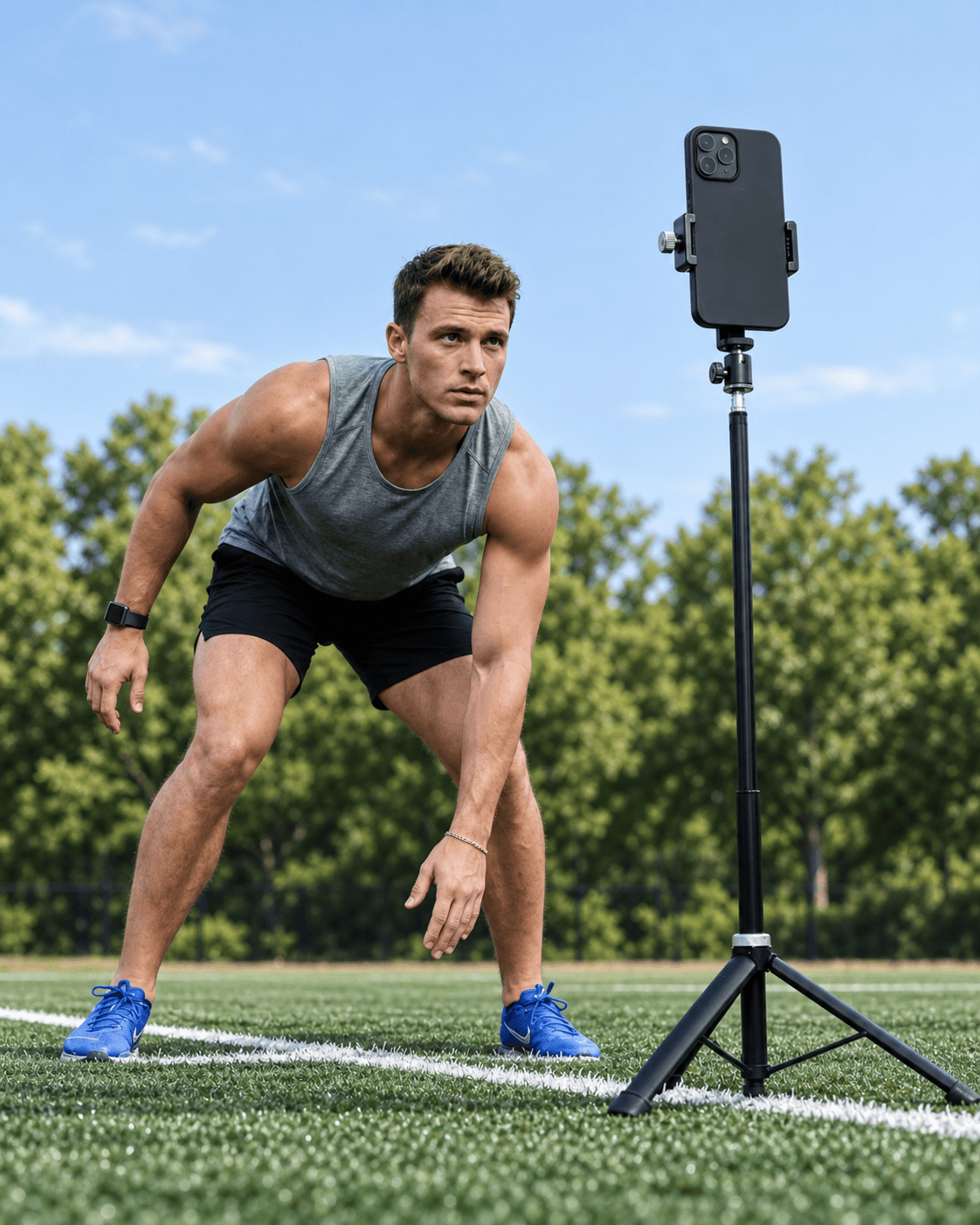
Place your phone at the finish line. No calibration needed.

Step 4
Get your time

Get your time

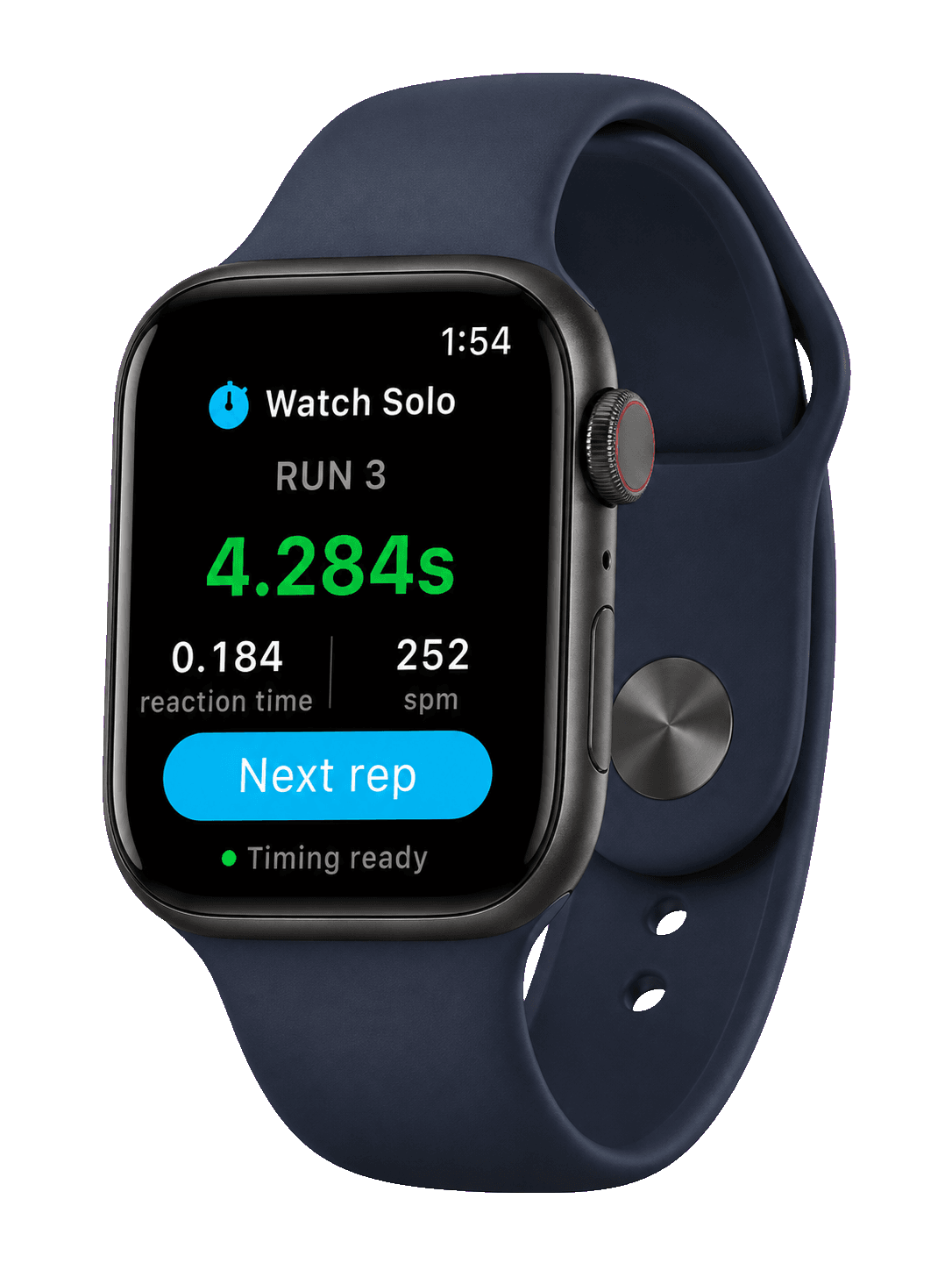
Run your sprint and get instant results with millisecond accuracy.

TrackSpeed start type setup screen

Start modes

Five ways to start your sprint

Choose the start method that matches your training goals

Touch Release

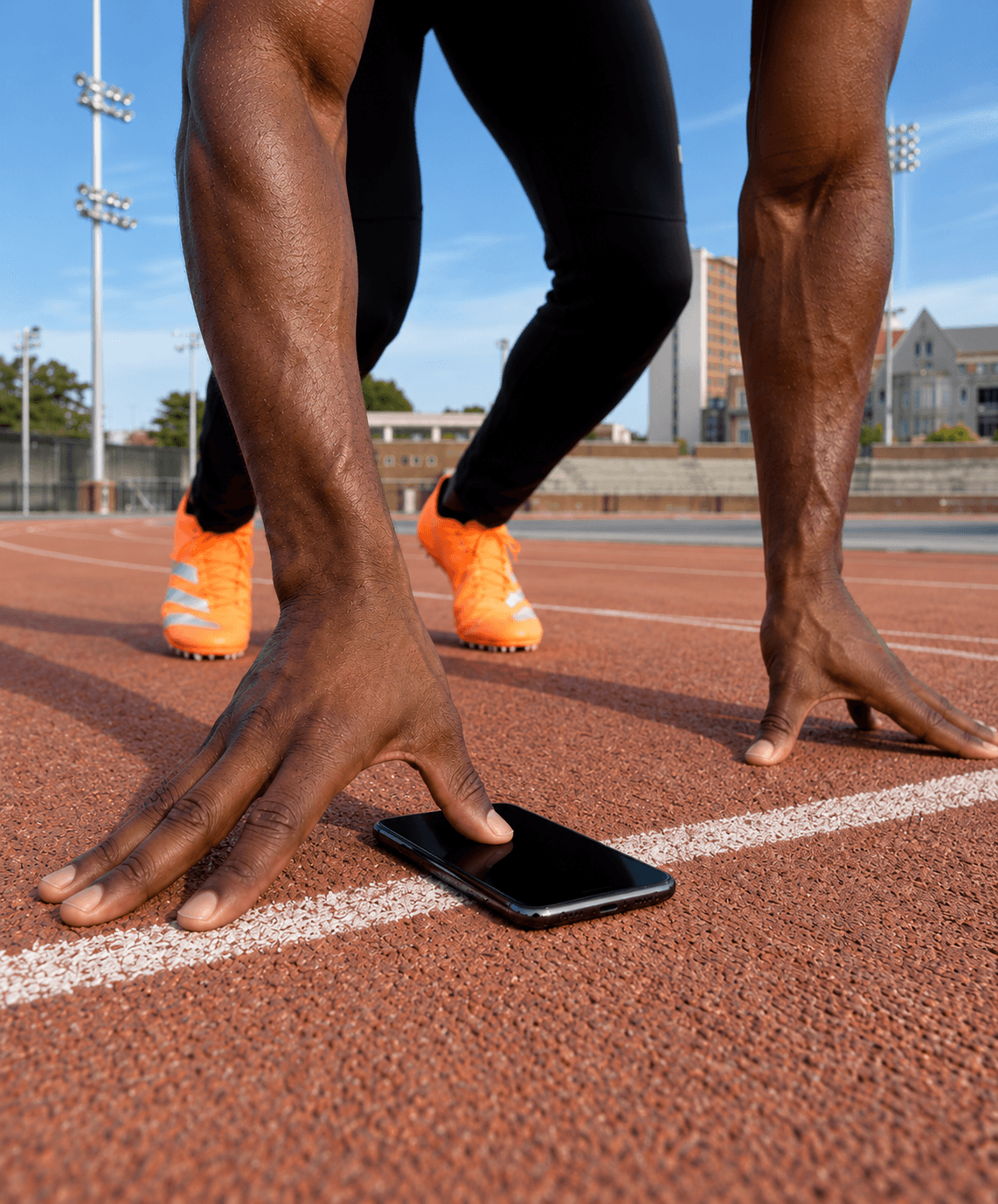
Place finger on screen, lift to start. Captures reaction time just like blocks at a real track meet.

1

Best for: 40 yard dash, combine testing

Voice Command

"On your marks... Set... GO!" AI voice commands with realistic timing based on official rules.

2

Best for: Solo training, group starts

Countdown

3... 2... 1... BEEP! A visual and audio countdown gives you a predictable start signal. Great for consistent training.

3

Best for: Solo training, timed intervals

Flying Start

Run through at full speed. First gate crossing starts the timer automatically. Perfect for max velocity testing.

4

Best for: Speed testing, flying 10m/20m/30m

Start in Frame

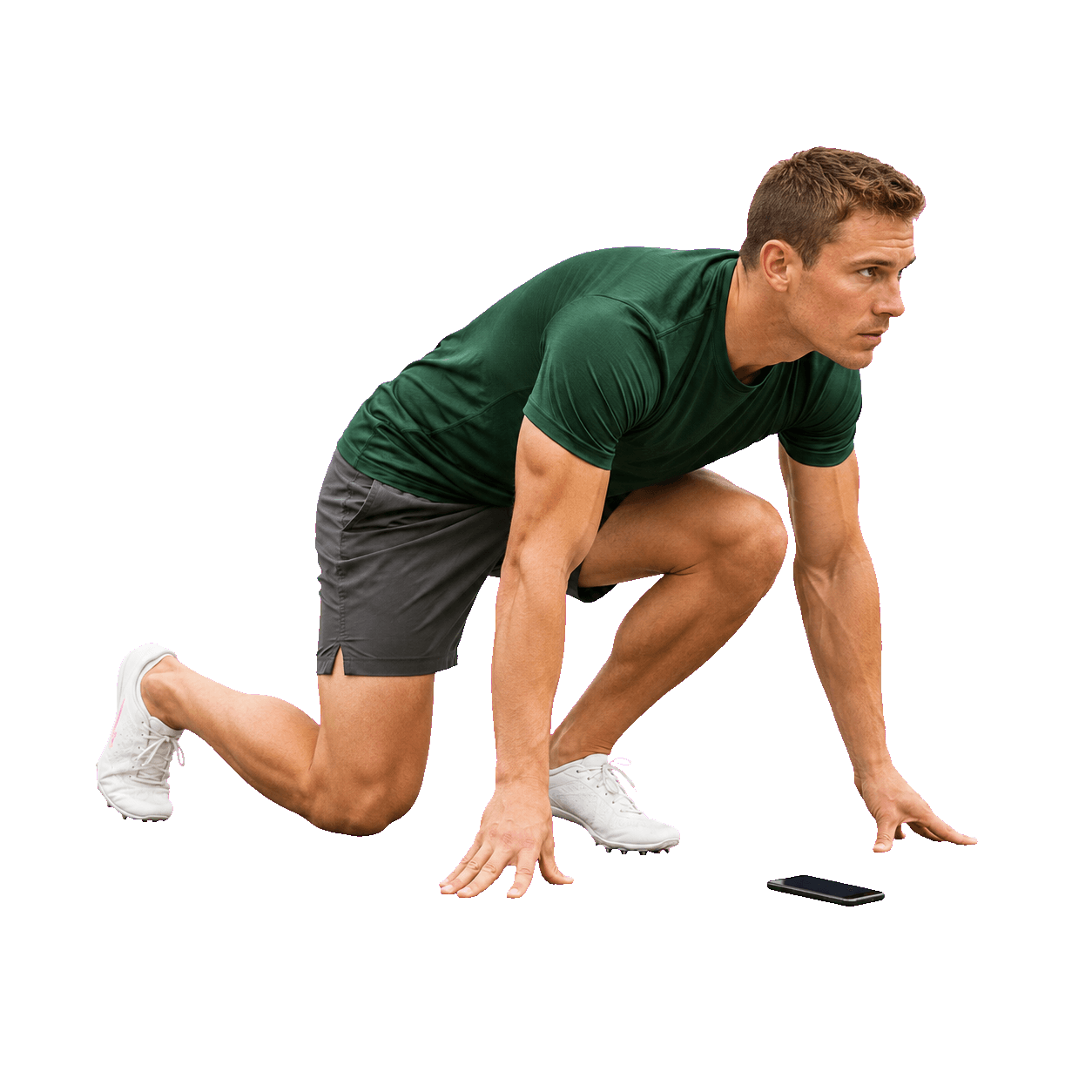
Begin stationary in the camera view, then take off. Timer starts when you leave the frame. No second device needed.

5

Best for: Solo training, single phone setup

Wireless timing gates

Connect multiple phones for precise timing

Use one phone at the start line and another at the finish. Add more phones for split times at any distance.

Wireless Connection

Phones connect automatically via peer-to-peer WiFi. No internet required.

Coordinated timing events

Each phone covers its assigned start, split, or finish point so the complete rep can be reviewed as one session.

Unlimited Gates

Add split timing with 3+ phones. Track acceleration phases and top speed.

Host phone waiting for TrackSpeed connection
Join phone connecting to TrackSpeed session

Professional timing, zero equipment

Everything you need is already in your pocket

TrackSpeed
Reviewable
Finish evidence
Auto
Line crossing
2+
Device Sync
0
Extra Hardware

Smart Detection

Camera-based motion detection triggers timing automatically when you cross the line.

Multi-Device Sync

Connect phones wirelessly. Millisecond-accurate clock synchronization between gates.

Instant Results

See your time the moment you cross. No manual stopwatch delays.

Track Progress

Save sessions, view history, and track improvement over time.

Compare the recorded event

Different timing tools answer different questions

A fair comparison starts with what triggers the time, what evidence remains afterward, and whether the result is for training or official competition.

MethodWhat records the eventEvidenceEquipmentIntended scope
TrackSpeedAutomatic crossing at a configured camera lineReviewable finish evidenceiPhone; more phones for more timing pointsRepeatable training and testing
Manual stopwatchA person's button pressUsually a number onlyStopwatch or phoneSimple group practice
Photocell timing gatesAn object breaking one or more beamsVaries by systemGates, tripods, controller, and/or transpondersDedicated training-gate workflow
Certified photo-finish FATOfficial start signal and finish-plane imageOfficial photo-finish imageSpecialized certified systemOfficial stadium competition

TrackSpeed does not replace certified FAT for official results. For training, keep the distance, start method, line position, placement, and conditions consistent, then compare like with like.

Download TrackSpeed on the App Store

Measurement you can inspect

What makes a sprint time trustworthy?

Useful timing is more than a decimal. The event must be clearly defined, automatically recorded, reviewable, and collected with a repeatable protocol.

Automatic crossing events

A configured camera line defines the timing point, so a coach's start-or-stop reaction does not become part of the recorded rep.

Evidence you can review

The finish evidence makes an unusual result inspectable. Poor framing, a blocked view, or an incorrect line is easier to catch than with a number-only timer.

Start, split, and finish

Several phones can cover several timing points in one session, while a single-phone workflow remains available for solo training.

Honest training scope

TrackSpeed is built for repeatable training and testing. It is not certified Fully Automatic Timing for official meet results.

The setup is part of the measurement

Keep distance, start definition, line position, phone placement, visibility, surface, and recovery consistent. Compare results only with sessions that used the same protocol.

Read the validation guide

From the track to the code

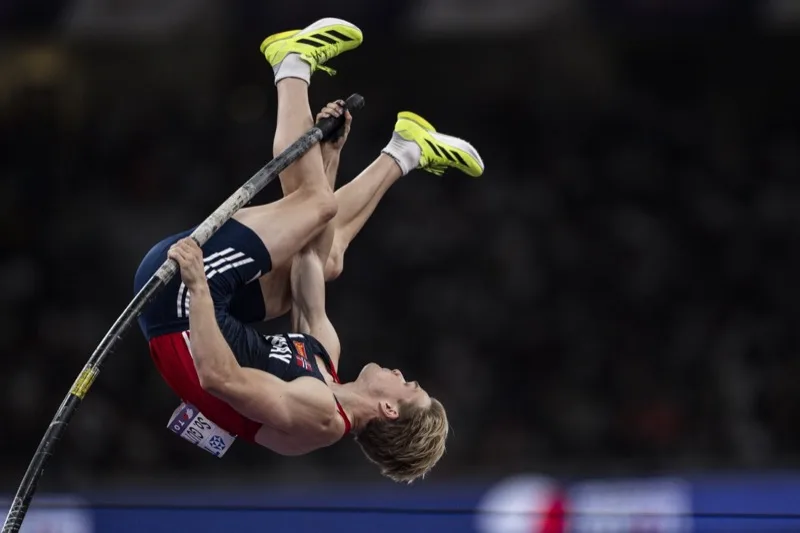
Built and tested by Sondre Guttormsen

Two-time Olympian. Sole founder and developer.

I use TrackSpeed to dial in my run-up before competitions. The accuracy is impressive and I always know exactly what speed I'm hitting at takeoff.

2x
Olympian
$0
Extra hardware

Start timing today

Ready to time faster?

Download TrackSpeed and start training with precision timing today.

<1 min setupNo extra hardwareReviewable finish evidence
Download on the App Store

Subscription required. Pricing varies by region.

TrackSpeed sprint templates
TrackSpeed live finish result

We use cookies to analyze site usage and improve your experience. Privacy Policy