SG
由奥运选手打造

TrackSpeed

TrackSpeed用手机自动短跑计时

基于摄像头的运动检测在您通过计时线时自动触发计时。 保存训练记录,查看历史,追踪长期进步。

TrackSpeed sprint templates on iPhone
TrackSpeed photo finish sprint timing screenshot
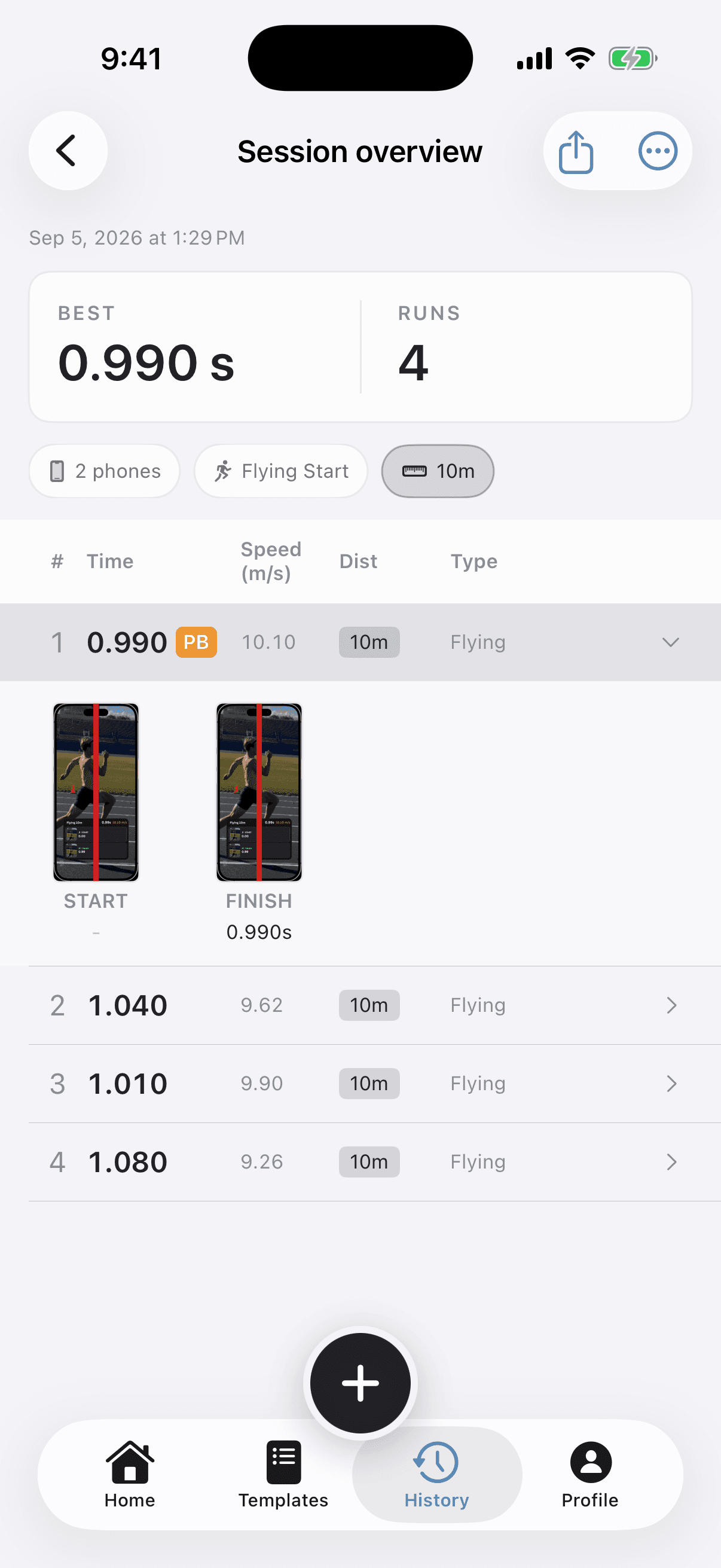
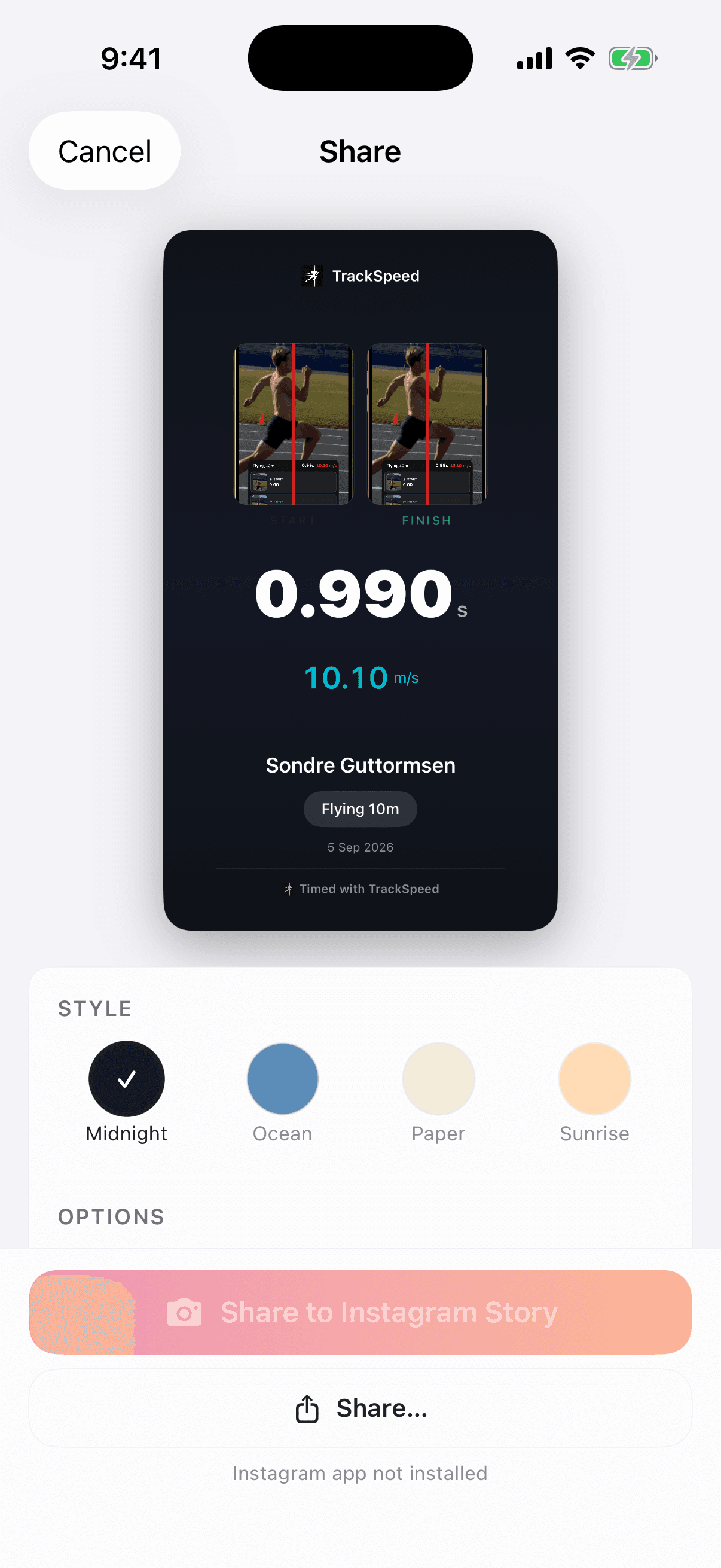
自动计时结果
Flying 10m
photo-finish verified
0.99s
10.10 m/s

Race-day setup

使用方法

一分钟内即可开始. Connect phones, choose the start, position the gate, and run.

步骤 1
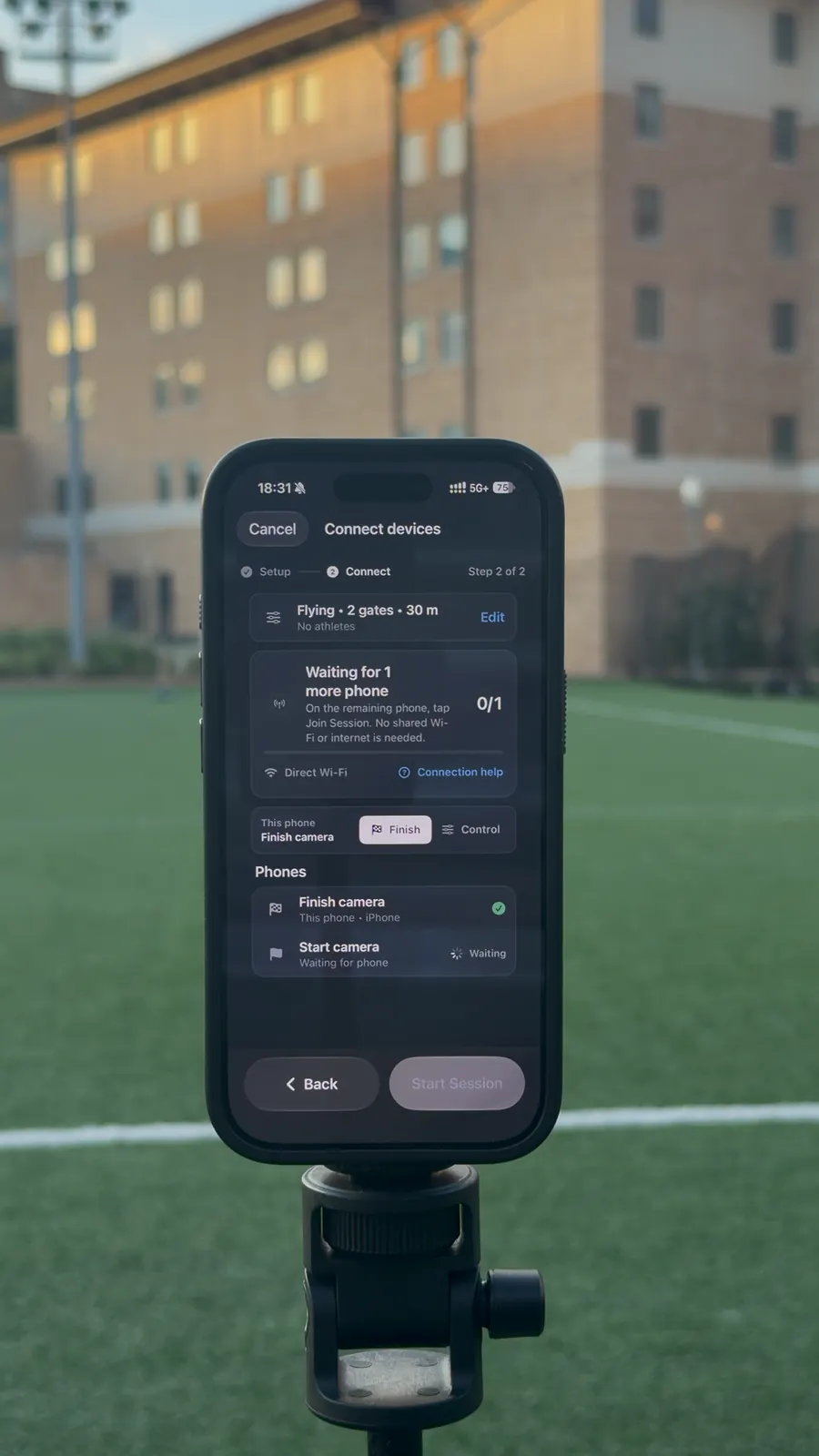
连接手机 join phone
连接手机

连接手机

配对您的phone。通过Wi-Fi自动同步。

步骤 2
开始计时

开始计时

从五种起跑方式中选择——飞行起跑、触摸释放、倒计时、语音指令或画面内起跑。

步骤 3
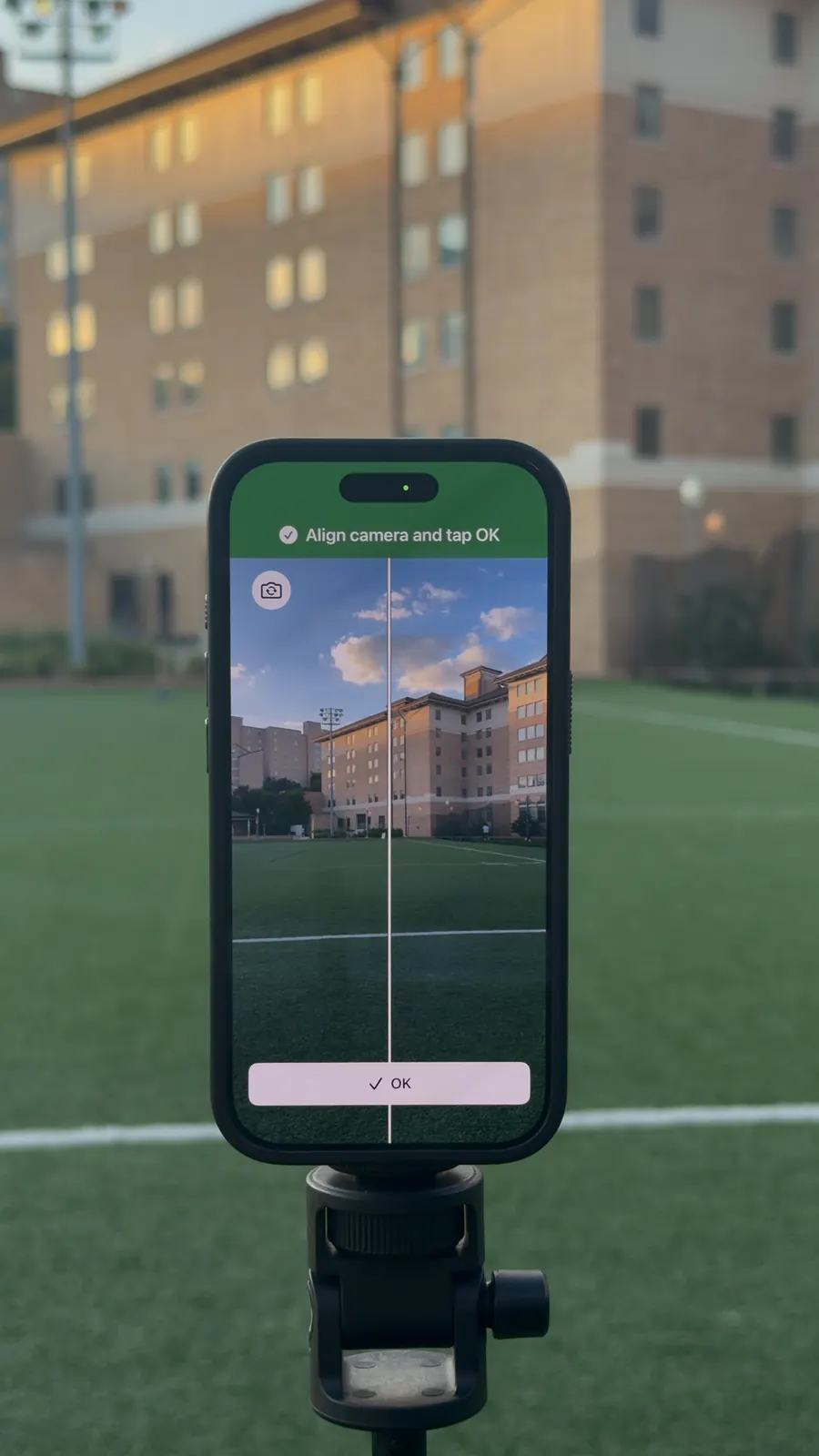
放置手机

放置手机

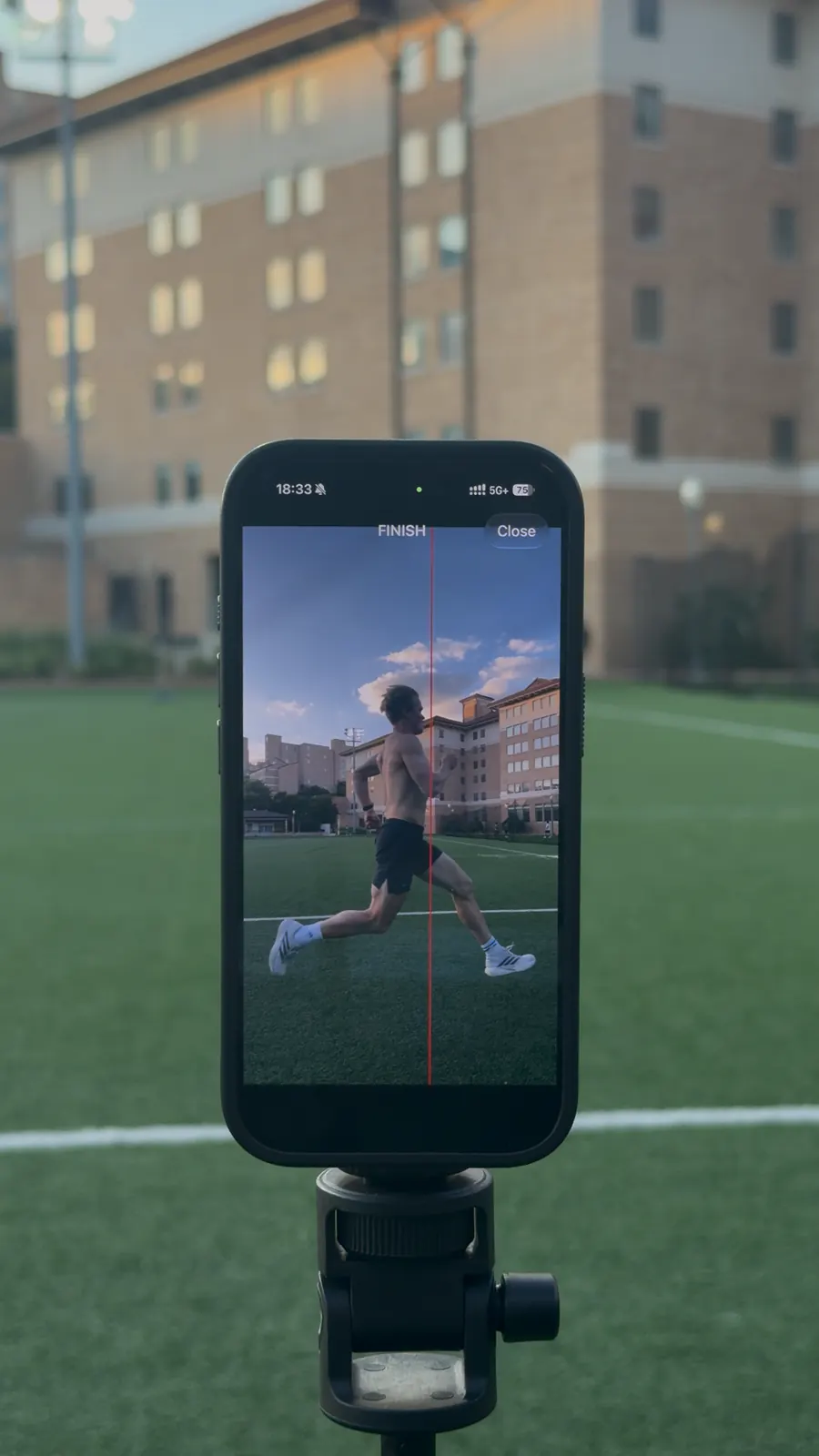
将手机放在终点线。无需校准。

步骤 4
获取成绩

获取成绩

完成短跑,即时获得毫秒级精度的结果。

TrackSpeed start type setup screen

Start modes

五种起跑方式

选择匹配训练目标的起跑方式

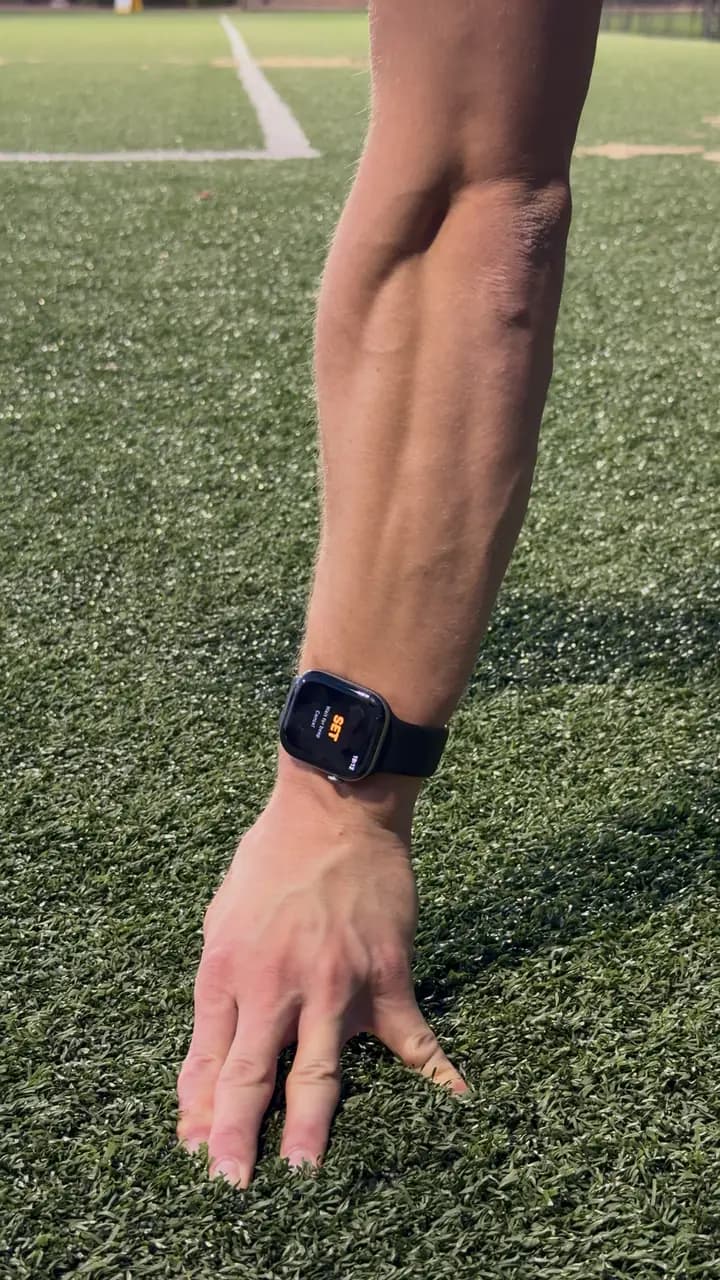
触摸释放

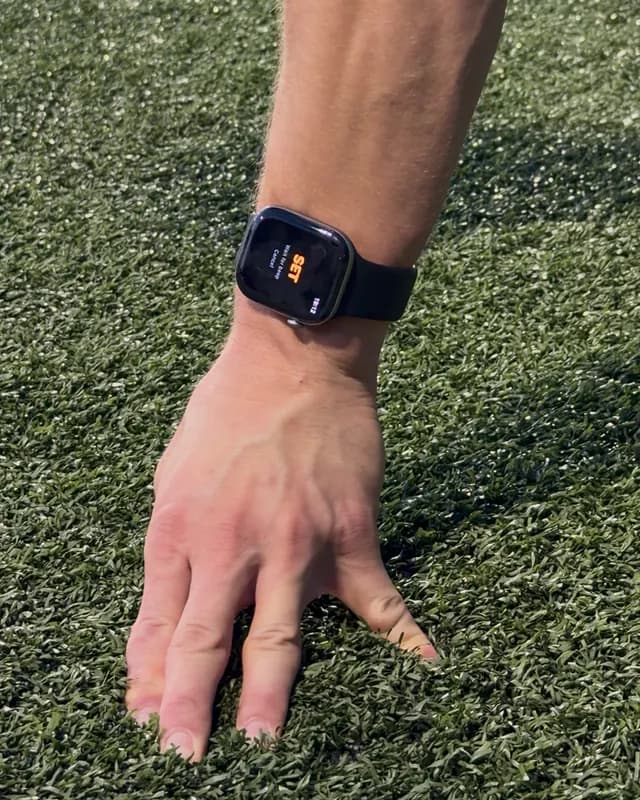
将手指放在屏幕上,抬起手指即起跑。像正式比赛的起跑器一样捕捉反应时间。

1

最适合:40码冲刺,体能测试

语音指令

"各就各位……预备……跑!"基于官方规则的AI语音指令,时间间隔逼真。

2

最适合:个人训练,集体起跑

倒计时

3... 2... 1... 哔!视觉和音频倒计时提供稳定的起跑信号。适合持续训练。

3

最适合:个人训练,定时间歇

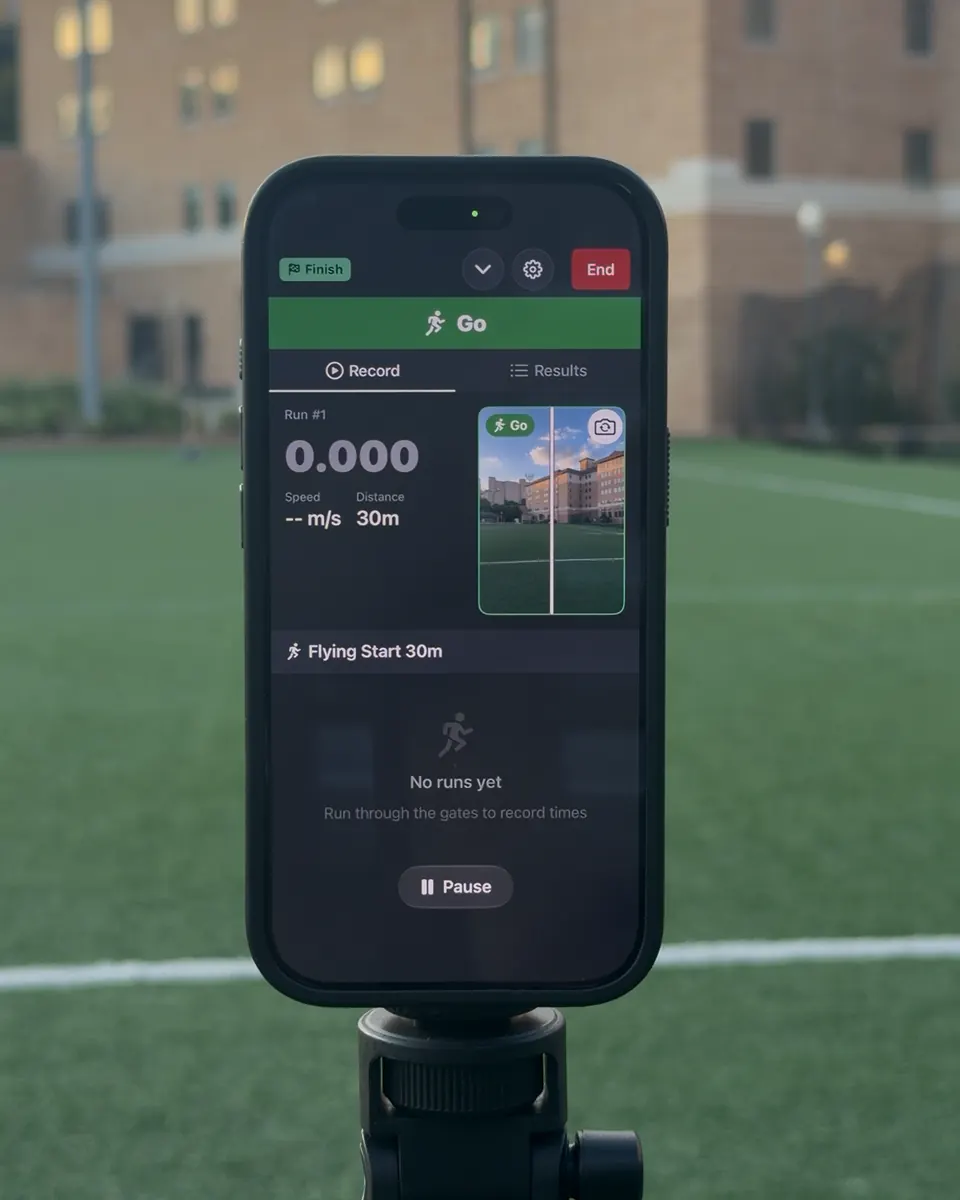
飞行起跑

全速跑过。第一个门的通过自动开始计时。非常适合最大速度测试。

4

最适合:速度测试,飞行 10m/20m/30m

画面内起跑

在摄像头视野内静止站立,然后起跑。离开画面时计时器启动。无需第二台设备。

5

最适合:个人训练,单手机设置

Wireless timing gates

连接多部手机进行精确计时

在起跑线和终点线各放一部phone。添加更多手机可在任意距离获取分段计时。

无线连接

手机通过点对点WiFi自动连接。无需互联网。

Coordinated timing events

Each phone covers its assigned start, split, or finish point so the complete rep can be reviewed as one session.

无限计时门

使用3部以上手机添加分段计时。追踪加速阶段和最高速度。

Host phone waiting for TrackSpeed connection
Join phone connecting to TrackSpeed session

专业计时,零设备

您需要的一切都在口袋里

TrackSpeed
Reviewable
Finish evidence
Auto
Line crossing
2+
设备同步
0
额外硬件

智能检测

基于摄像头的运动检测在您通过计时线时自动触发计时。

多设备同步

无线连接phone。计时门之间实现毫秒级精度的时钟同步。

即时结果

通过的瞬间即可看到成绩。无需手动秒表的延迟。

追踪进步

保存训练记录,查看历史,追踪长期进步。

Compare the recorded event

Different timing tools answer different questions

A fair comparison starts with what triggers the time, what evidence remains afterward, and whether the result is for training or official competition.

MethodWhat records the eventEvidenceEquipmentIntended scope
TrackSpeedAutomatic crossing at a configured camera lineReviewable finish evidenceiPhone; more phones for more timing pointsRepeatable training and testing
Manual stopwatchA person's button pressUsually a number onlyStopwatch or phoneSimple group practice
Photocell timing gatesAn object breaking one or more beamsVaries by systemGates, tripods, controller, and/or transpondersDedicated training-gate workflow
Certified photo-finish FATOfficial start signal and finish-plane imageOfficial photo-finish imageSpecialized certified systemOfficial stadium competition

TrackSpeed does not replace certified FAT for official results. For training, keep the distance, start method, line position, placement, and conditions consistent, then compare like with like.

Download TrackSpeed on the App Store

Measurement you can inspect

What makes a sprint time trustworthy?

Useful timing is more than a decimal. The event must be clearly defined, automatically recorded, reviewable, and collected with a repeatable protocol.

Automatic crossing events

A configured camera line defines the timing point, so a coach's start-or-stop reaction does not become part of the recorded rep.

Evidence you can review

The finish evidence makes an unusual result inspectable. Poor framing, a blocked view, or an incorrect line is easier to catch than with a number-only timer.

Start, split, and finish

Several phones can cover several timing points in one session, while a single-phone workflow remains available for solo training.

Honest training scope

TrackSpeed is built for repeatable training and testing. It is not certified Fully Automatic Timing for official meet results.

The setup is part of the measurement

Keep distance, start definition, line position, phone placement, visibility, surface, and recovery consistent. Compare results only with sessions that used the same protocol.

Read the validation guide

从跑道到代码

由 Sondre Guttormsen 打造并测试

两届奥运选手。唯一创始人兼开发者。

我在赛前使用TrackSpeed来调整助跑。精度令人印象深刻,我总是能准确知道起跳时的速度。

2x
奥运选手
$0
额外硬件

Start timing today

准备好提速了吗?

下载TrackSpeed,今天就开始使用精准计时进行训练。

不到1分钟设置无需额外硬件Reviewable finish evidence
Download on the App Store

需要订阅。价格可能因地区而异。

TrackSpeed sprint templates
TrackSpeed live finish result

We use cookies to analyze site usage and improve your experience. Privacy Policy