SG
올림피언이 만든 앱

TrackSpeed

TrackSpeed휴대폰으로 자동 스프린트 타이밍

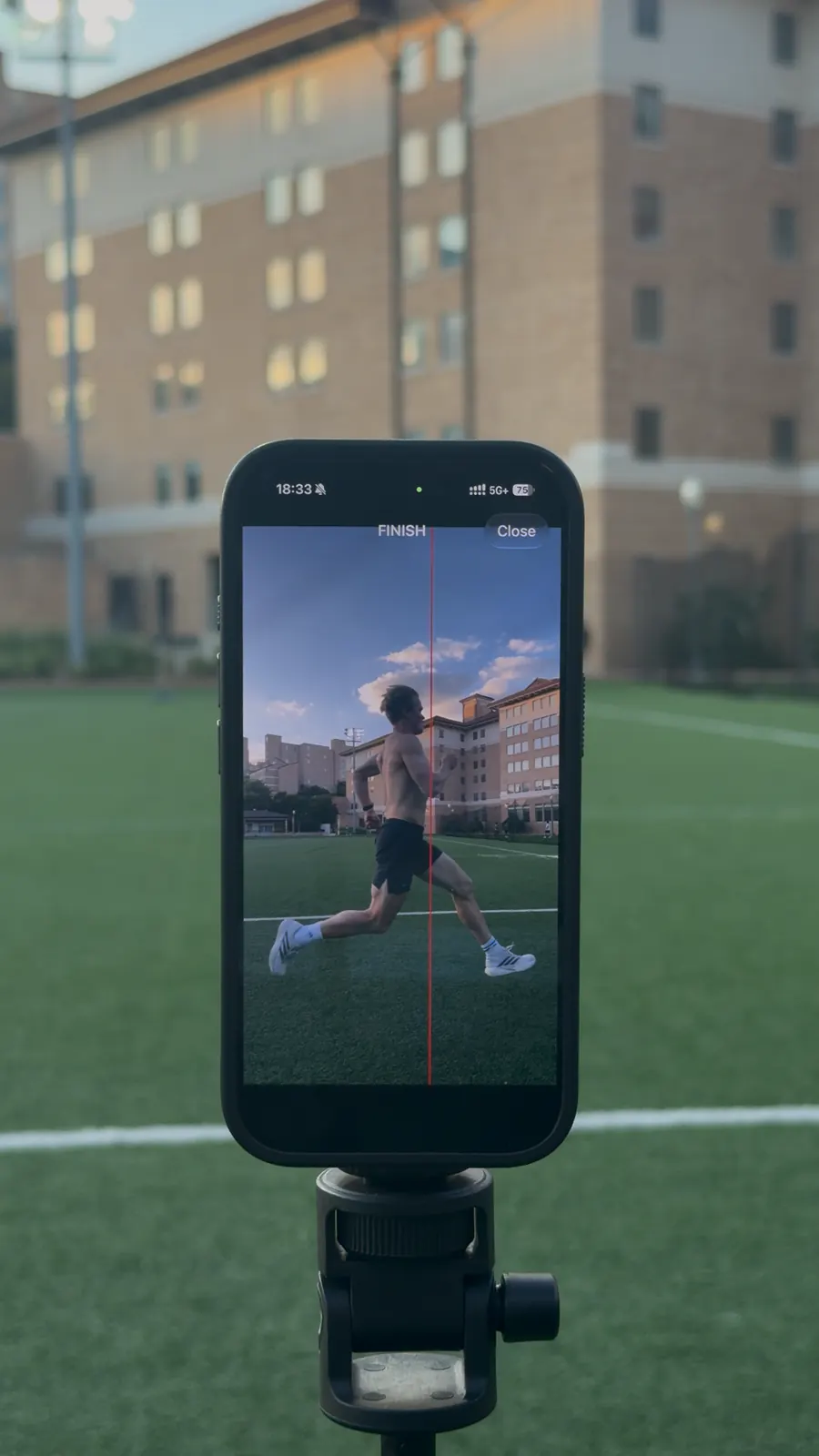
카메라 기반 동작 감지가 결승선 통과 시 자동으로 타이밍을 시작합니다. 세션을 저장하고, 기록을 확인하며, 시간에 따른 발전을 추적하세요.

TrackSpeed sprint templates on iPhone
TrackSpeed photo finish sprint timing screenshot
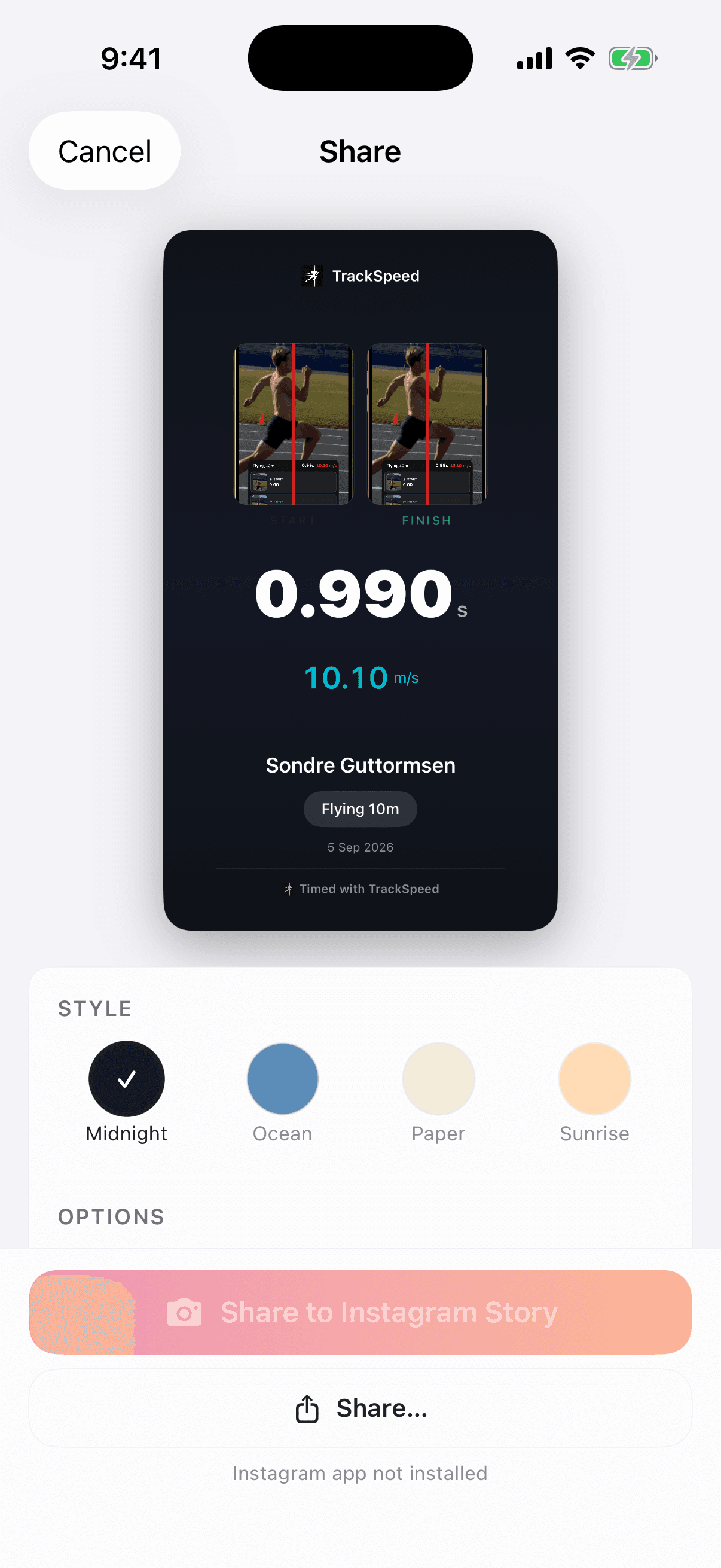
자동 측정 결과
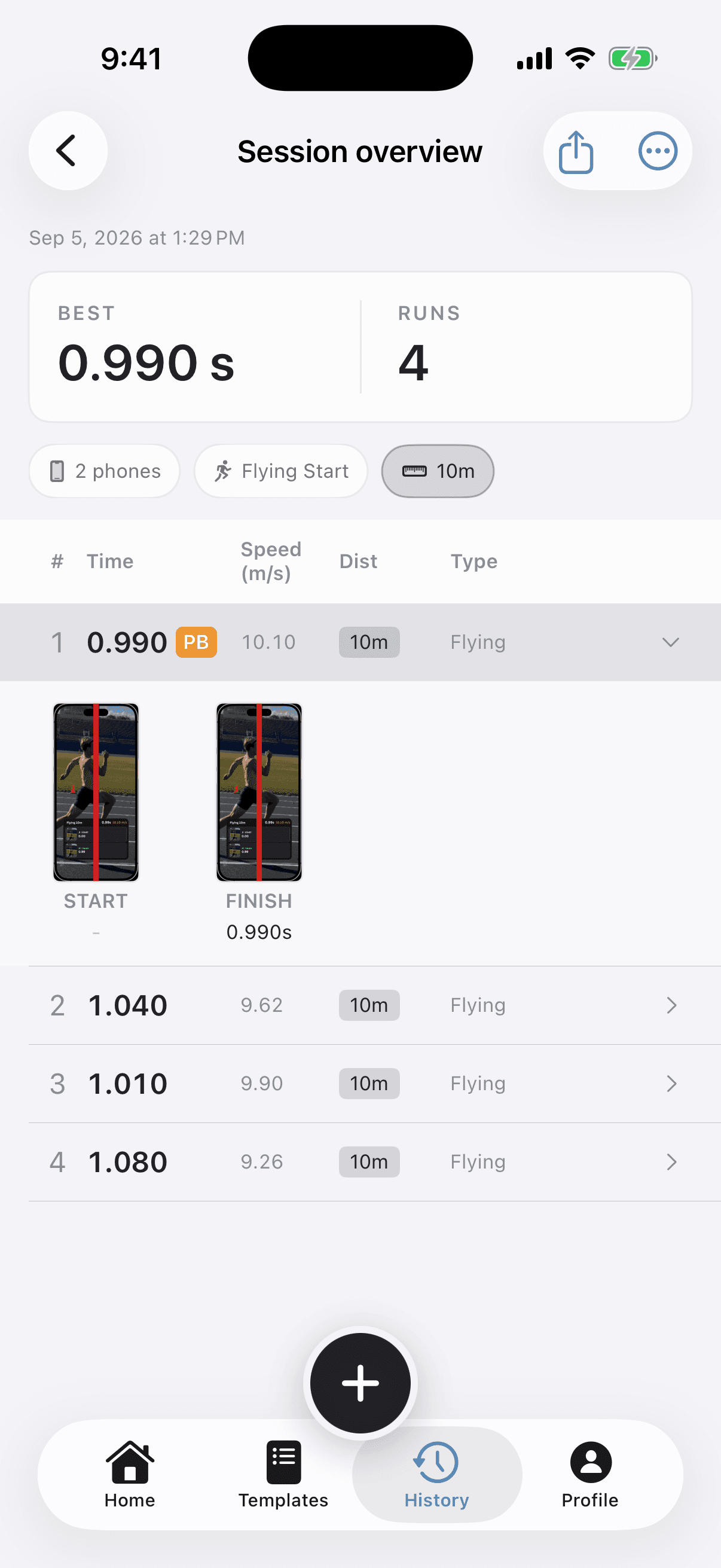
Flying 10m
photo-finish verified
0.99s
10.10 m/s

Race-day setup

작동 방식

1분 이내에 시작하기. Connect phones, choose the start, position the gate, and run.

1단계
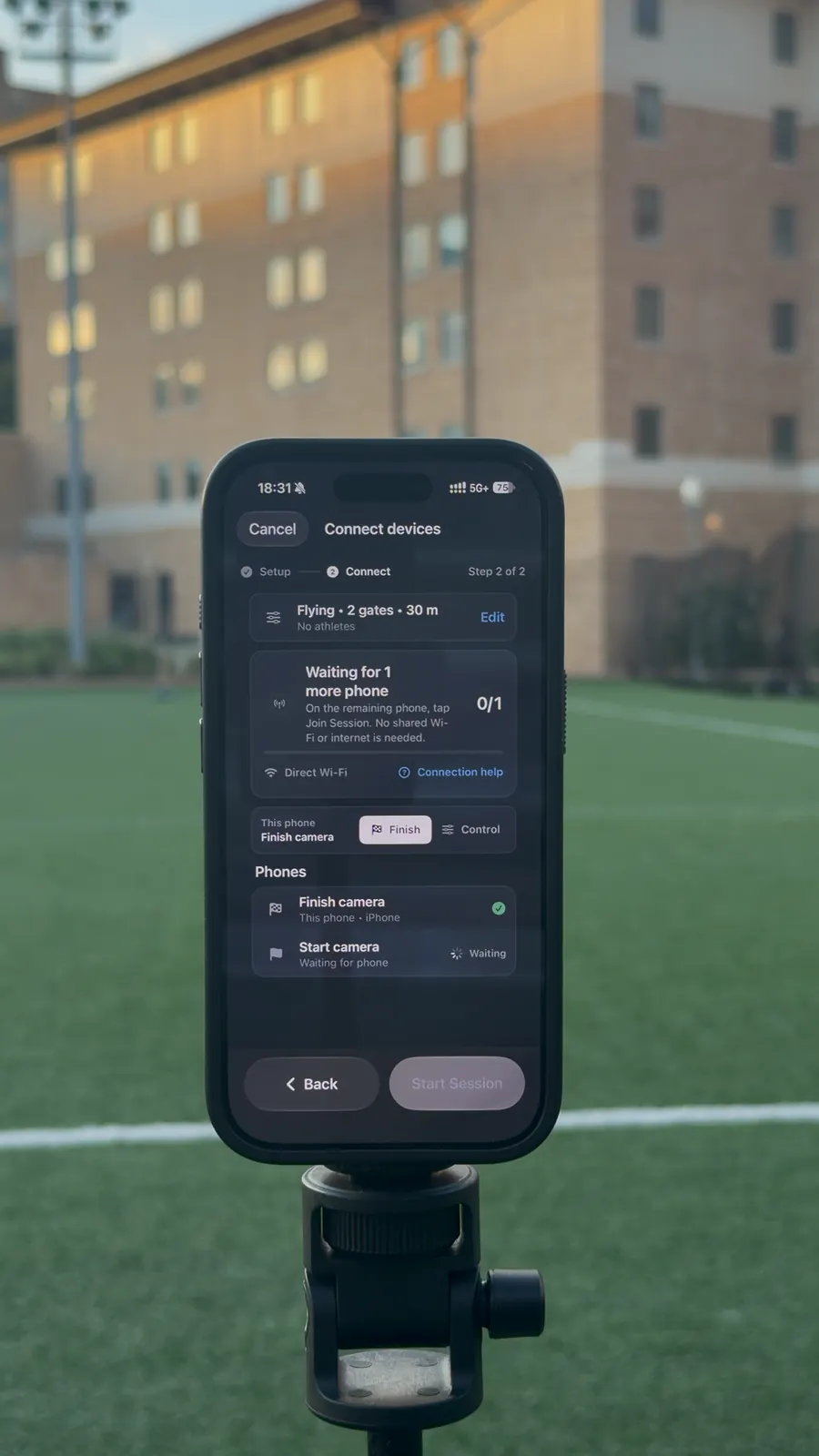
기기 연결 join phone
기기 연결

기기 연결

phone을 서로 연결하세요. Wi-Fi를 통해 자동으로 동기화됩니다.

2단계
세션 시작

세션 시작

다섯 가지 출발 방법 중 선택하세요 — 플라잉 스타트, 터치 릴리즈, 카운트다운, 음성 명령, 또는 프레임 내 출발.

3단계
스마트폰 배치

스마트폰 배치

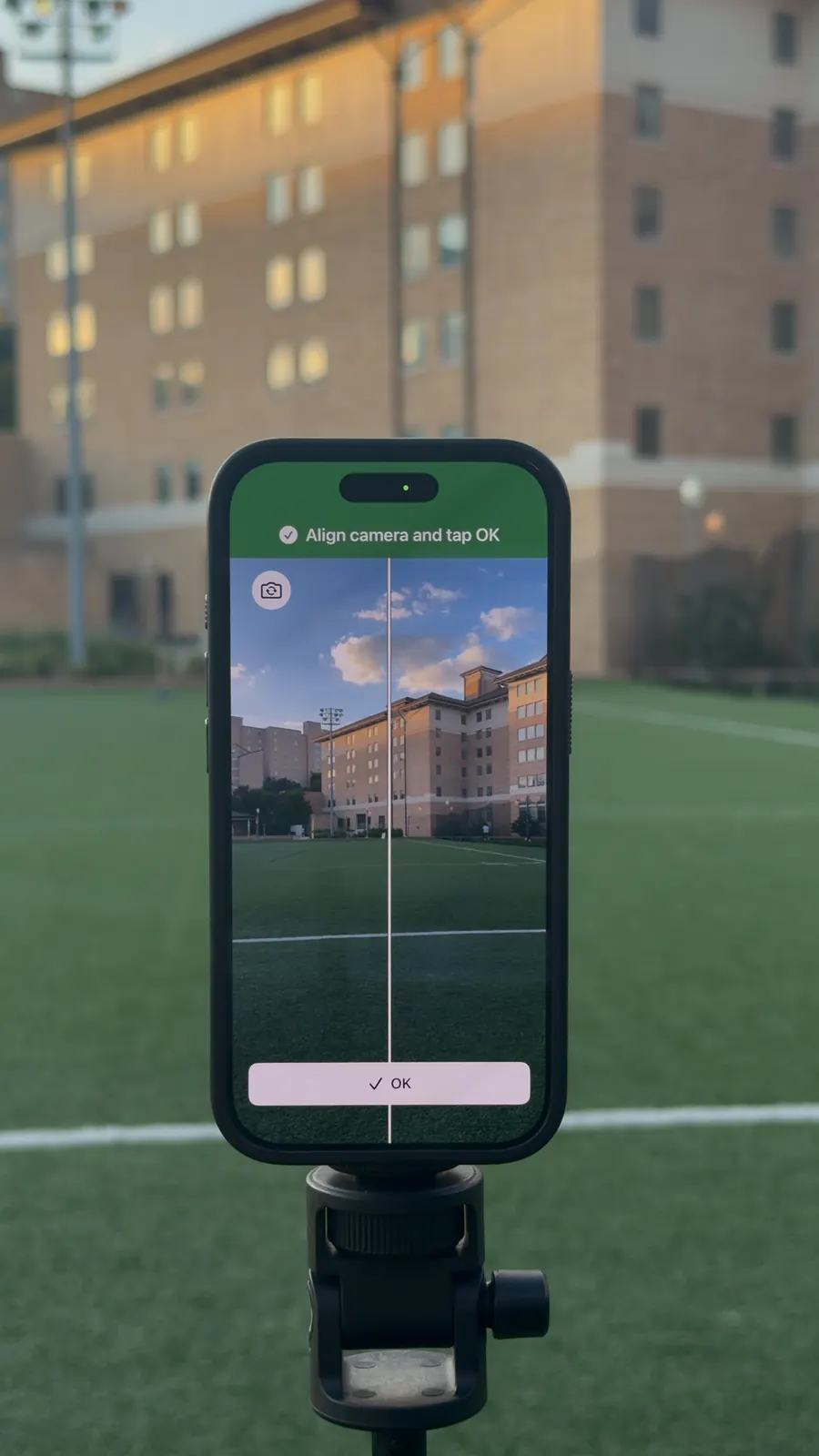
결승선에 스마트폰을 배치하세요. 보정이 필요 없습니다.

4단계
기록 확인

기록 확인

스프린트를 달리고 밀리초 단위의 정확도로 즉각적인 결과를 얻으세요.

TrackSpeed start type setup screen

Start modes

다섯 가지 스프린트 출발 방법

훈련 목표에 맞는 출발 방법을 선택하세요

터치 릴리즈

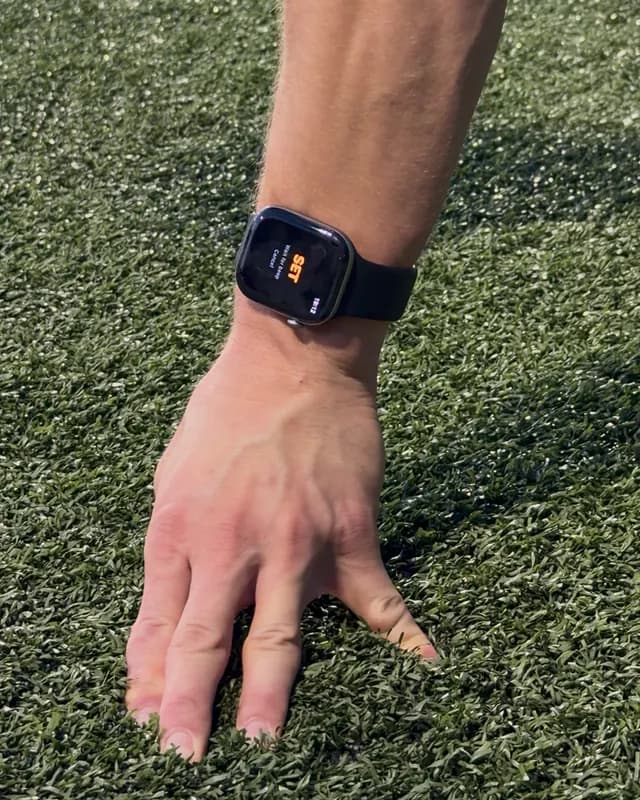
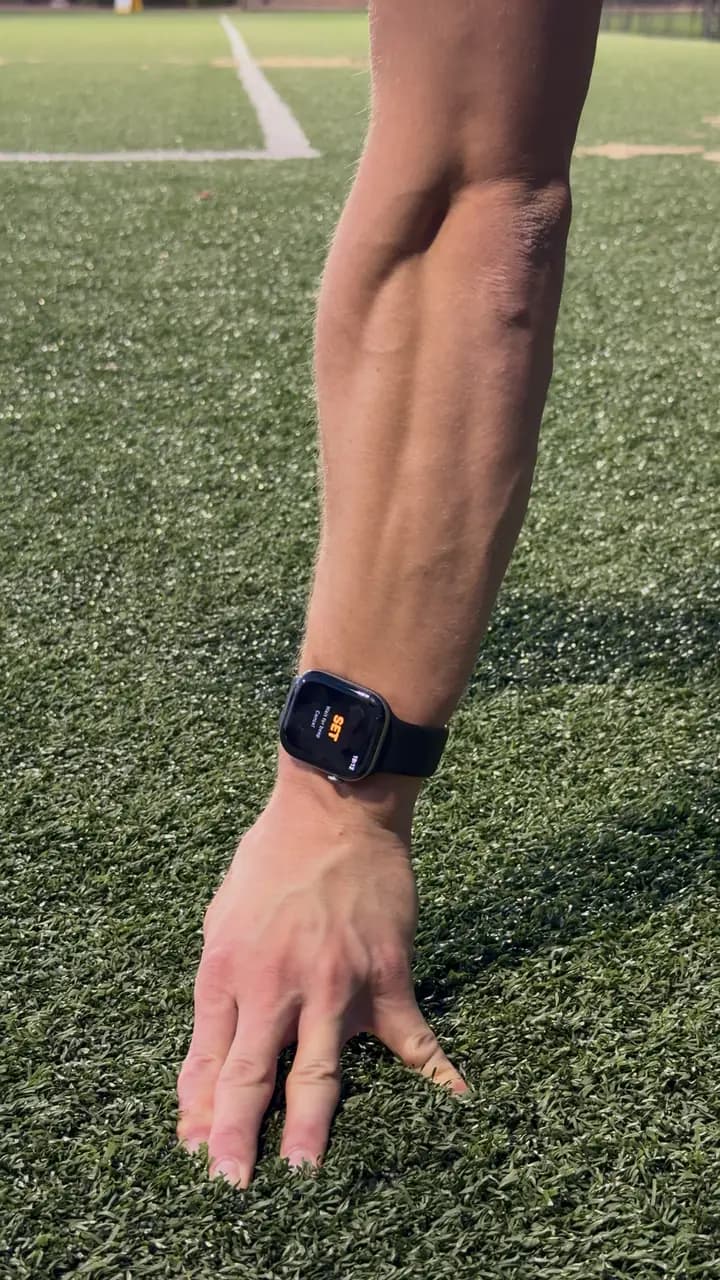
화면에 손가락을 올려두고 들어올려 출발하세요. 실제 트랙 대회의 블록처럼 반응 시간을 측정합니다.

1

최적 용도: 40야드 대시, 콤바인 테스트

음성 명령

"제자리에... 준비... 출발!" 공식 규정 기반의 사실적인 타이밍을 갖춘 AI 음성 명령.

2

최적 용도: 개인 훈련, 그룹 출발

카운트다운

3... 2... 1... 삐! 시각적, 음향적 카운트다운으로 예측 가능한 출발 신호를 제공합니다. 일관된 훈련에 적합합니다.

3

최적 용도: 개인 훈련, 시간 인터벌

플라잉 스타트

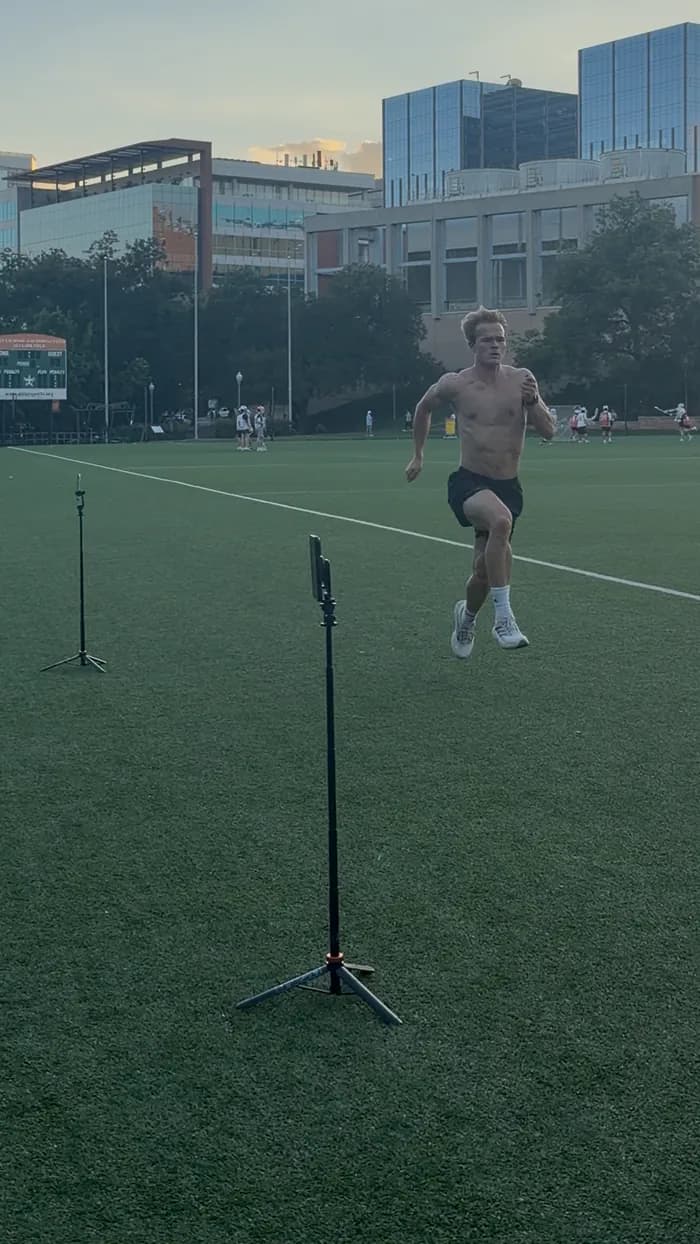
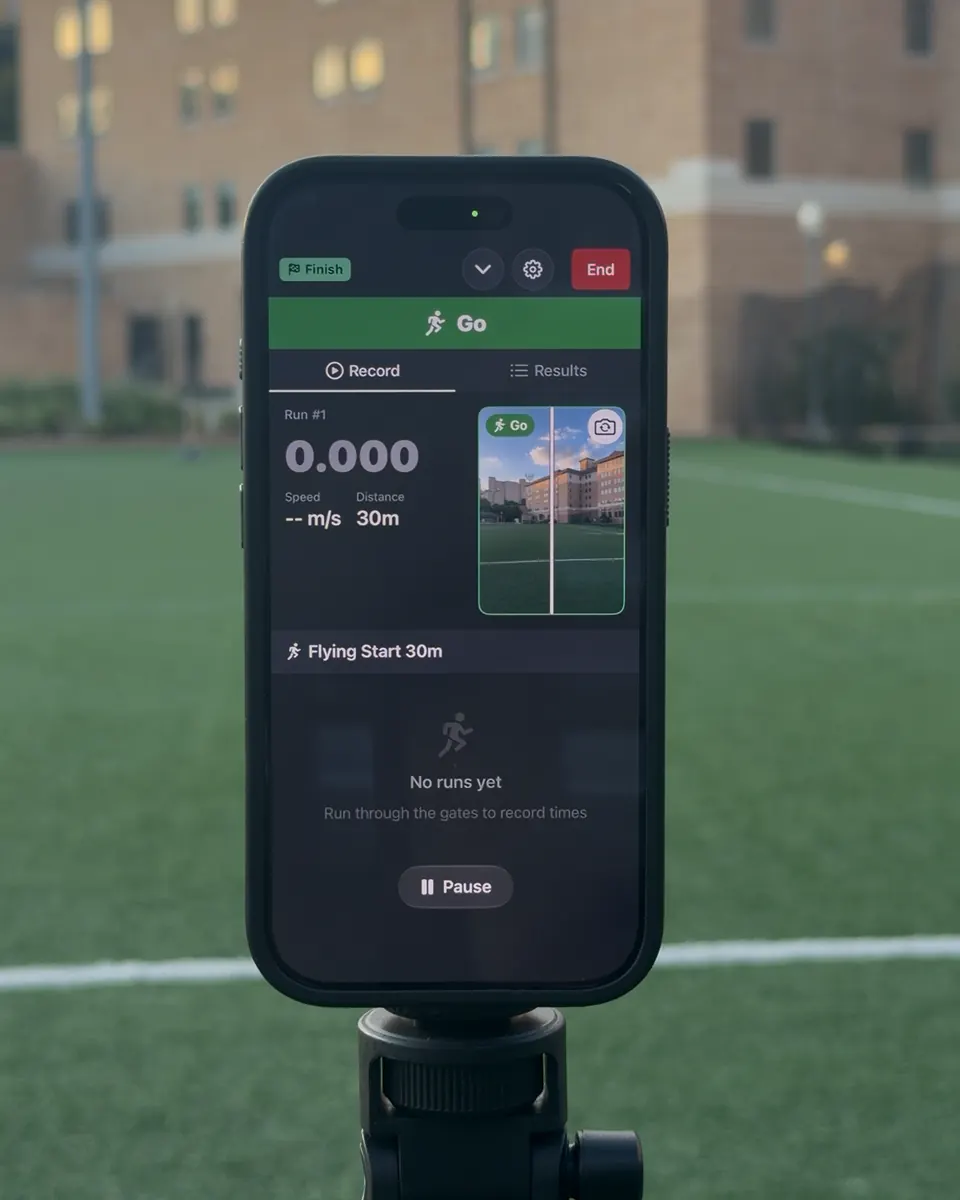
전속력으로 통과하세요. 첫 번째 게이트 통과가 자동으로 타이머를 시작합니다. 최고 속도 테스트에 적합합니다.

4

최적 용도: 속도 테스트, 플라잉 10m/20m/30m

프레임 내 출발

카메라 시야 안에서 정지 상태로 시작한 후 달리세요. 프레임에서 벗어날 때 타이머가 시작됩니다. 두 번째 기기가 필요 없습니다.

5

최적 용도: 개인 훈련, 스마트폰 단독 설정

Wireless timing gates

정밀한 타이밍을 위해 여러 기기 연결

출발선에 phone 한 대, 결승선에 phone 한 대를 사용하세요. 임의의 거리에서 스플릿 타임을 위해 더 많은 기기를 추가할 수 있습니다.

무선 연결

기기가 P2P WiFi를 통해 자동으로 연결됩니다. 인터넷이 필요 없습니다.

Coordinated timing events

Each phone covers its assigned start, split, or finish point so the complete rep can be reviewed as one session.

무제한 게이트

phone 3대 이상으로 스플릿 타이밍을 추가하세요. 가속 단계와 최고 속도를 추적합니다.

Host phone waiting for TrackSpeed connection
Join phone connecting to TrackSpeed session

전문 타이밍, 장비 불필요

필요한 모든 것이 이미 주머니 안에 있습니다

TrackSpeed
Reviewable
Finish evidence
Auto
Line crossing
2+
기기 동기화
0
추가 하드웨어

스마트 감지

카메라 기반 동작 감지가 결승선 통과 시 자동으로 타이밍을 시작합니다.

다중 기기 동기화

phone을 무선으로 연결하세요. 게이트 간 밀리초 단위의 정확한 클록 동기화.

즉각적인 결과

통과하는 순간 기록을 확인하세요. 수동 스톱워치 지연 없음.

진도 추적

세션을 저장하고, 기록을 확인하며, 시간에 따른 발전을 추적하세요.

Compare the recorded event

Different timing tools answer different questions

A fair comparison starts with what triggers the time, what evidence remains afterward, and whether the result is for training or official competition.

MethodWhat records the eventEvidenceEquipmentIntended scope
TrackSpeedAutomatic crossing at a configured camera lineReviewable finish evidenceiPhone; more phones for more timing pointsRepeatable training and testing
Manual stopwatchA person's button pressUsually a number onlyStopwatch or phoneSimple group practice
Photocell timing gatesAn object breaking one or more beamsVaries by systemGates, tripods, controller, and/or transpondersDedicated training-gate workflow
Certified photo-finish FATOfficial start signal and finish-plane imageOfficial photo-finish imageSpecialized certified systemOfficial stadium competition

TrackSpeed does not replace certified FAT for official results. For training, keep the distance, start method, line position, placement, and conditions consistent, then compare like with like.

Download TrackSpeed on the App Store

Measurement you can inspect

What makes a sprint time trustworthy?

Useful timing is more than a decimal. The event must be clearly defined, automatically recorded, reviewable, and collected with a repeatable protocol.

Automatic crossing events

A configured camera line defines the timing point, so a coach's start-or-stop reaction does not become part of the recorded rep.

Evidence you can review

The finish evidence makes an unusual result inspectable. Poor framing, a blocked view, or an incorrect line is easier to catch than with a number-only timer.

Start, split, and finish

Several phones can cover several timing points in one session, while a single-phone workflow remains available for solo training.

Honest training scope

TrackSpeed is built for repeatable training and testing. It is not certified Fully Automatic Timing for official meet results.

The setup is part of the measurement

Keep distance, start definition, line position, phone placement, visibility, surface, and recovery consistent. Compare results only with sessions that used the same protocol.

Read the validation guide

트랙에서 코드까지

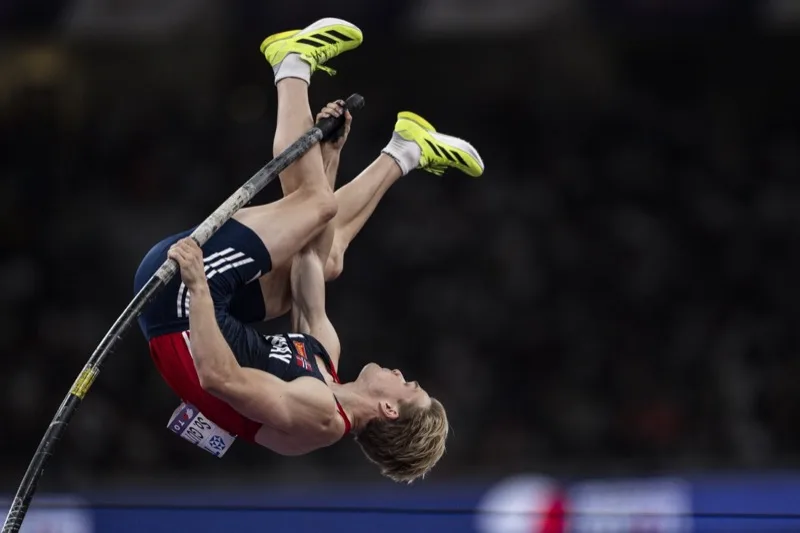
Sondre Guttormsen이 만들고 테스트했습니다

두 차례 올림피언. 단독 창립자이자 개발자.

저는 대회 전 도움닫기를 점검하기 위해 TrackSpeed를 사용합니다. 정확도가 인상적이고 도약 시 제 속도를 정확히 알 수 있습니다.

2x
올림피언
$0
추가 장비

Start timing today

더 빠르게 측정할 준비가 되셨나요?

TrackSpeed를 다운로드하고 오늘부터 정밀 타이밍으로 훈련을 시작하세요.

1분 미만 설정추가 하드웨어 불필요Reviewable finish evidence
Download on the App Store

구독이 필요합니다. 가격은 지역에 따라 다를 수 있습니다.

TrackSpeed sprint templates
TrackSpeed live finish result

We use cookies to analyze site usage and improve your experience. Privacy Policy